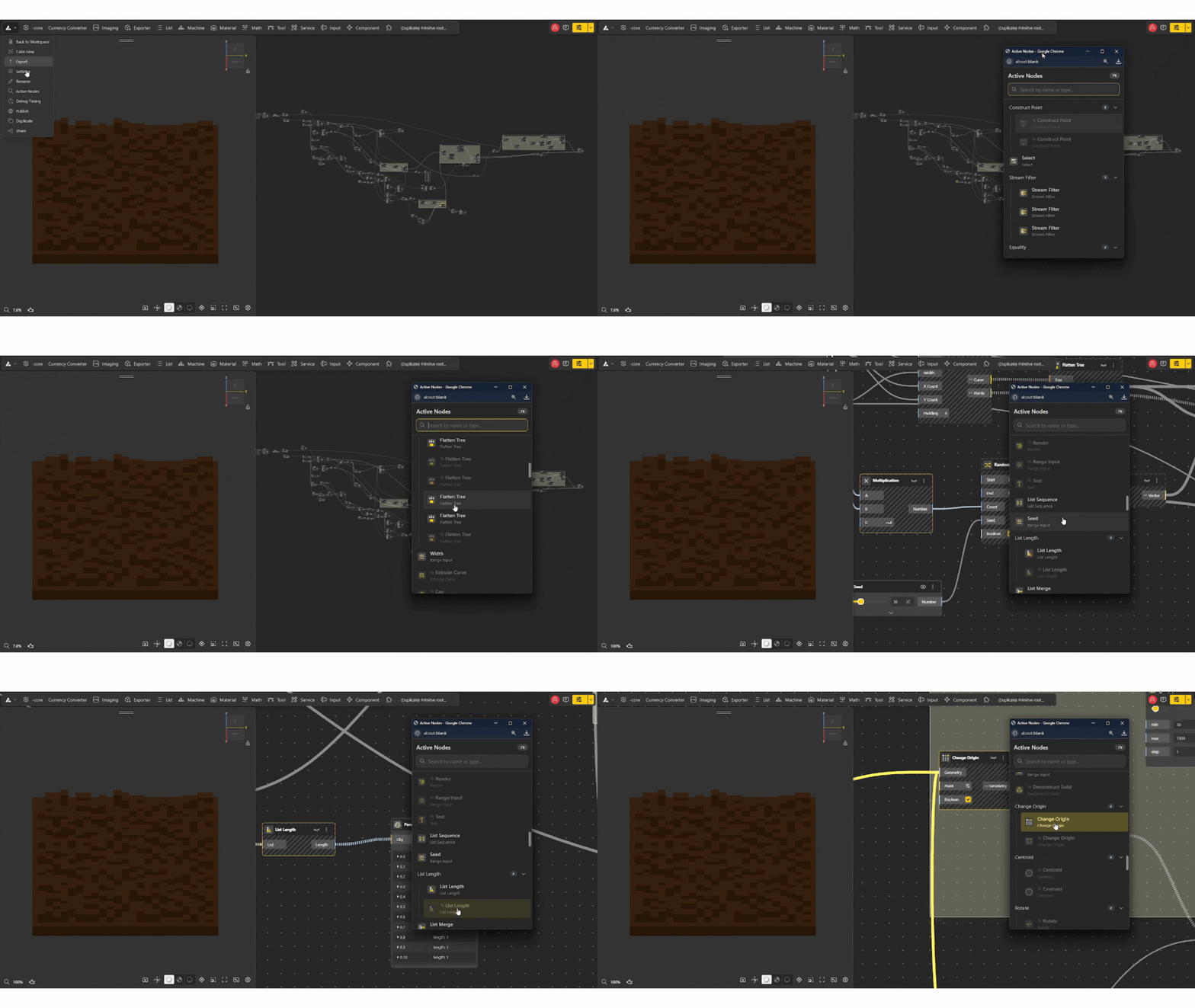
The Active Nodes feature helps you quickly find and navigate all the nodes currently contributing to your model. It acts like a search + map for your entire node graph, making it much easier to work with complex setups.
What are Active Nodes?
Active Nodes are all the nodes that are currently part of your working model and contributing to the final output. Active Nodes lists all of them in one place so you don’t have to manually search through the canvas.
How to Find Active Nodes
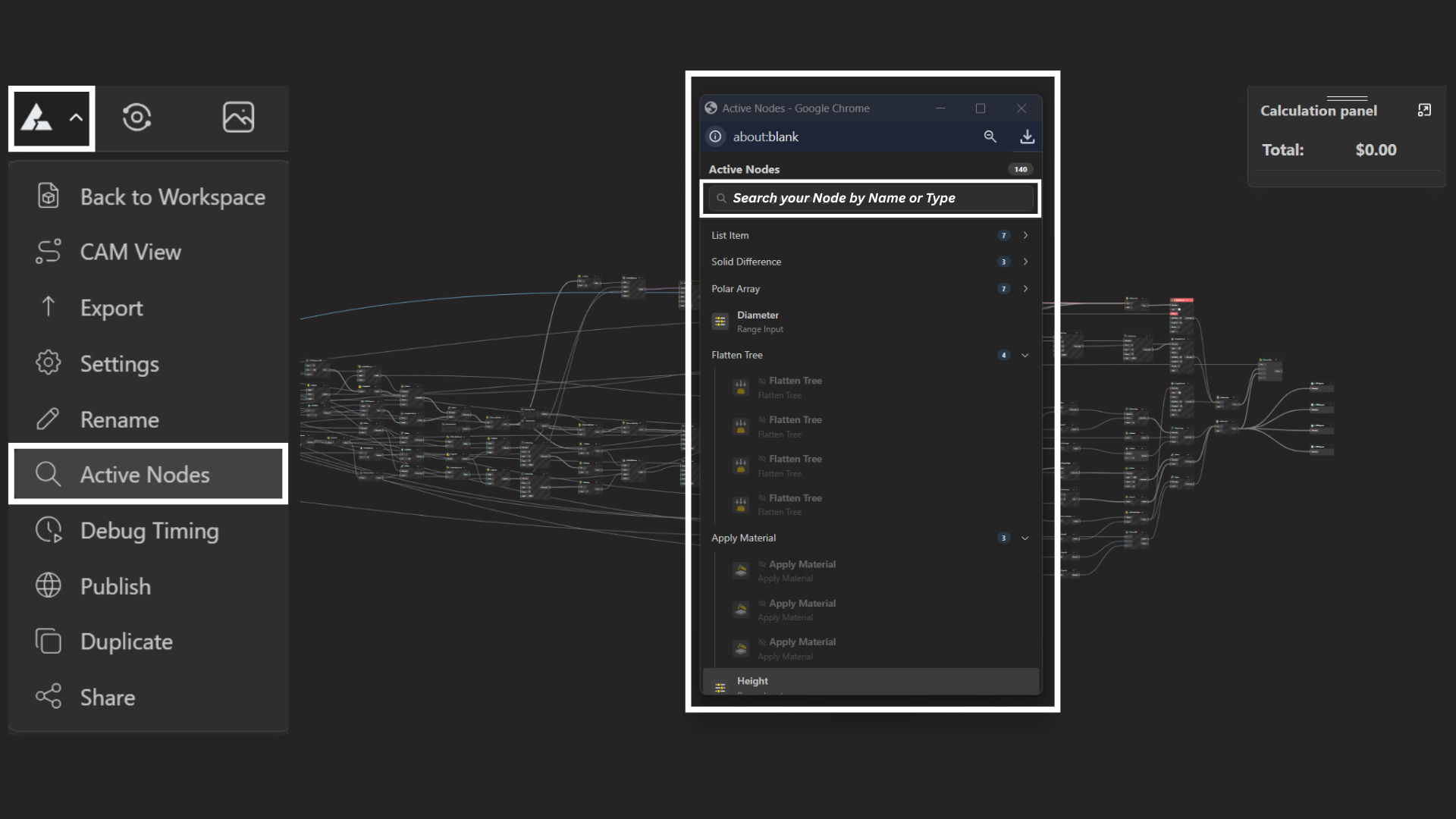
Open the Main Menu → Active Nodes
Or use shortcut: Ctrl + F / Cmd + F
How It Works
Displays a list of all active nodes in your model
Clicking a node zooms/jumps directly to it in the canvas
Shows whether nodes are visible or hidden
Works like a table of contents for your graph