Three Render is a small plugin of Three.js-based render nodes for the BeeGraphy editor. It currently has two nodes in a single group: They let you show detailed or high-count designs efficiently by leaning on the GPU rather than heavy modeled geometry. The plugin currently has two nodes: Perforated Panel and Instanced Mesh.
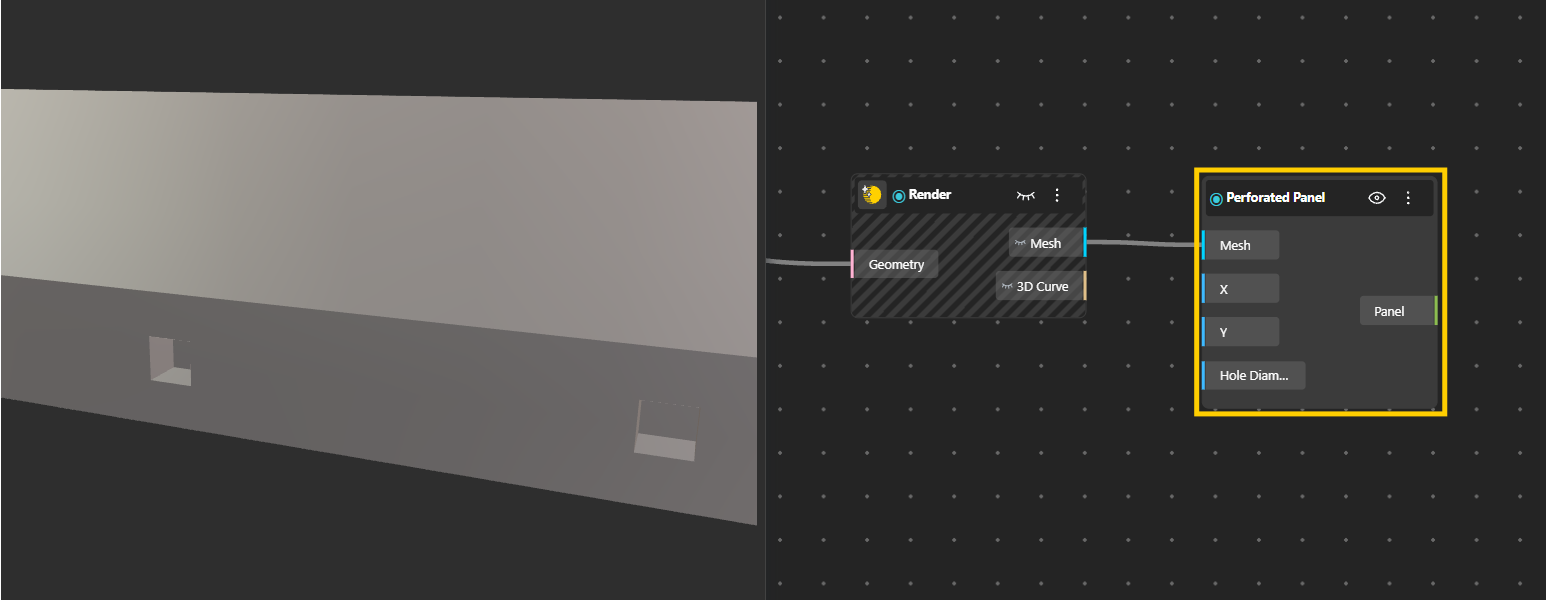
Applies hole cutouts to a panel using a shader, so the panel reads as perforated in the render without the holes being cut into the actual geometry. Because the perforation is shader-based, it is light to display even with very many holes, which makes it ideal for previewing perforated facades, screens, and metal sheets.
Inputs
Mesh: the panel mesh to perforate.
X: the X coordinates of the hole centers.
Y: the Y coordinates of the hole centers.
Hole Diameters: the diameter of each hole.
Output
Panel: the perforated panel as a render object.
Connect your panel geometry to Mesh.
Feed in matching lists of hole positions through X and Y, and their sizes through Hole Diameters.
The Panel output shows the perforated result.
Because each hole is defined by its own center and diameter, you can drive the entire perforation pattern parametrically, for example varying hole size across the panel based on an image or a gradient.
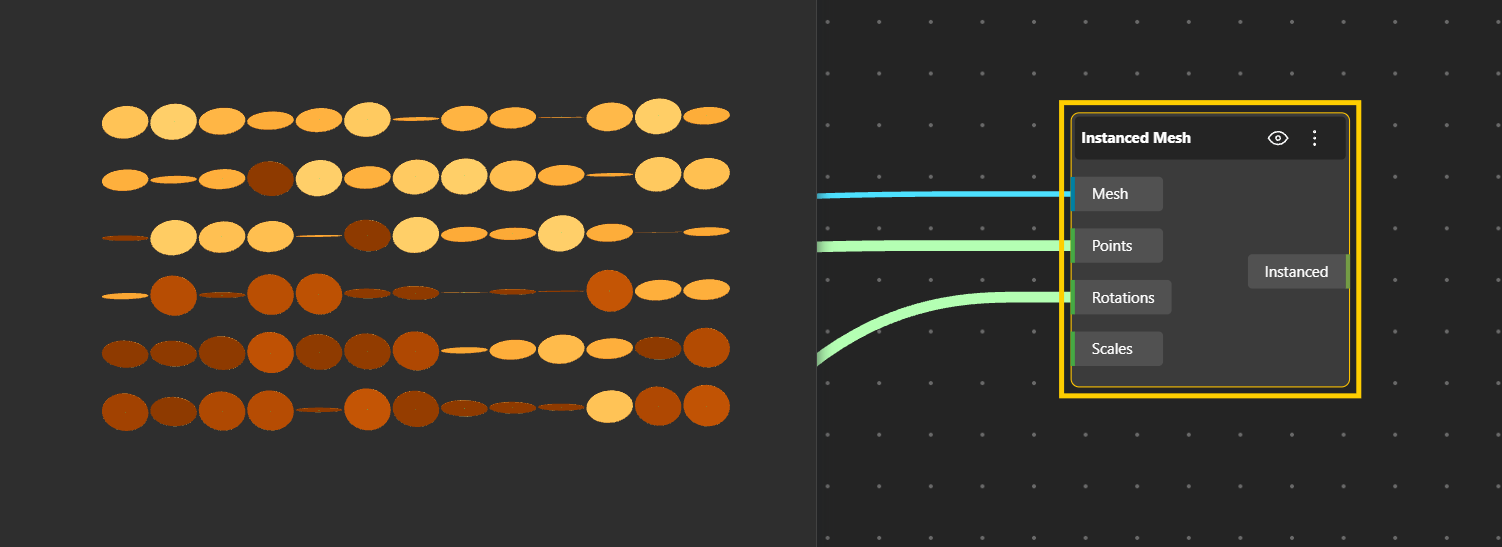
This node creates an Instanced Mesh: a single piece of geometry drawn at many positions at once. Instancing is the efficient way to display large numbers of identical parts, such as a facade of repeated panels or a field of bolts, without slowing the viewport the way hundreds of separate copies would.
Inputs
Mesh: the geometry to repeat.
Points: a position for each instance.
Rotations: an Euler rotation (x, y, z) in radians for each instance.
Scales: a scale (x, y, z) for each instance.
Output
Instanced: the instanced mesh result as a render object.
Connect the geometry you want to repeat to Mesh.
Supply a list of Points, one position per copy.
Optionally, supply matching Rotations and Scales to vary the orientation and size of each copy.
The Instanced output holds all the copies as a single efficient object.
Since rotation and scale can vary per instance, you can create rich, non-uniform arrays, a scatter of objects each turned and sized differently, while keeping the performance of a single mesh.
Reach for these nodes when you want the look of a heavy design without the weight. Use Perforated Panel when you need a perforated appearance for presentation rather than a truly cut model, and Instanced Mesh whenever you are repeating the same geometry many times and want the viewport to stay responsive.
