
The WooCommerce integration lets you sell your configurable, parametric BeeGraphy products directly through your own WooCommerce store. Customers configure a product, request a quote, and once you approve it, they receive a secure token that unlocks their exact configuration and lets them buy it straight from your cart.
Before you begin, You'll need:
An active WooCommerce store (a WordPress site with WooCommerce installed).
A BeeGraphy account with access to the Store-fronts page and the Configurator.
Administrator access to your WordPress site (so you can install a plugin).
Step 1: Download the WooCommerce plugin
Log in to BeeGraphy Workspace, and open the Storefronts page.
Locate the WooCommerce plugin card.
Click the card to download the plugin as a
.zipfile.
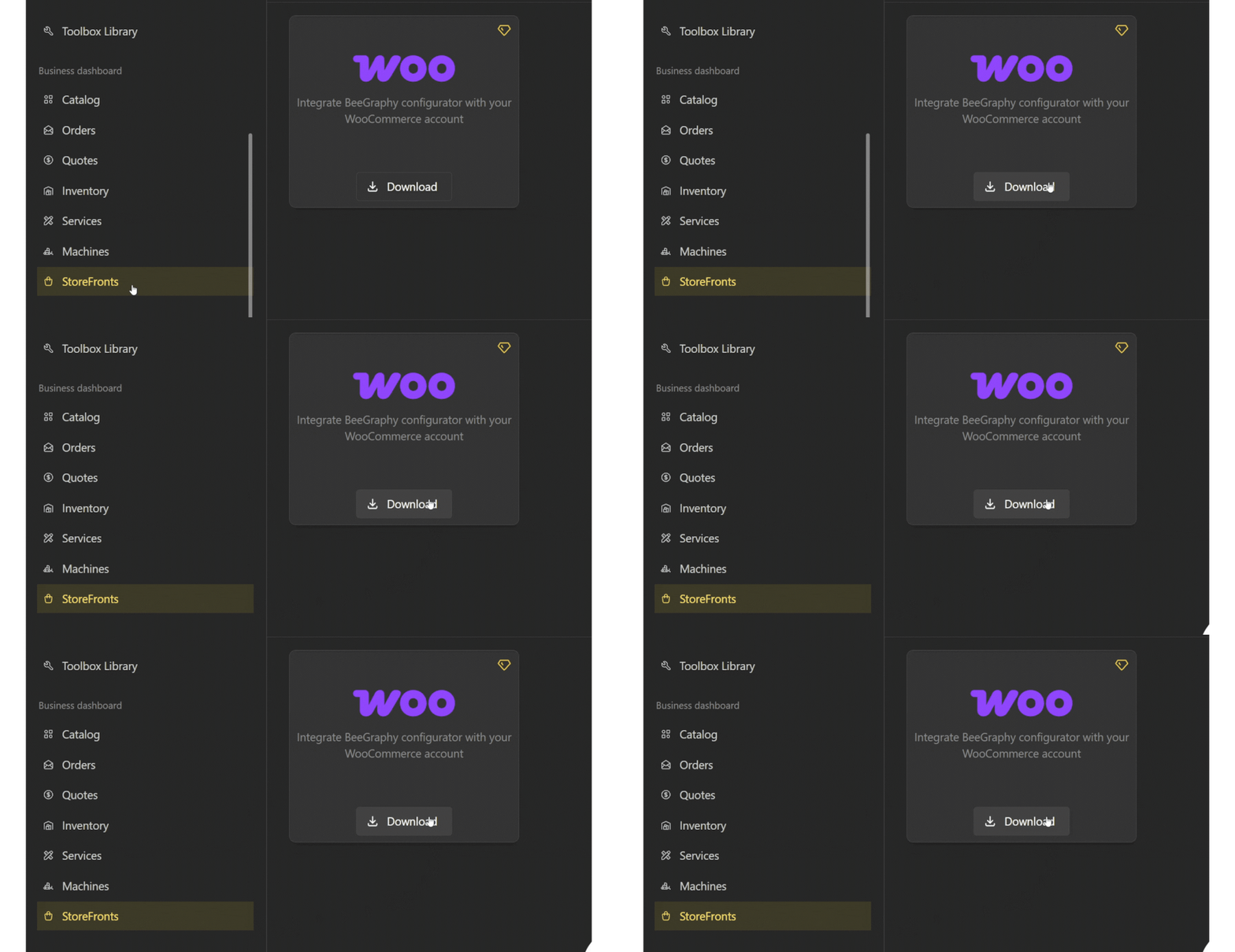
Keep the downloaded .zip somewhere easy to find, you'll upload it in the next step.
Step 2: Install the plugin on your WooCommerce store
Log in to your WordPress admin dashboard.
Go to Plugins → Add New → Upload Plugin.
Choose the
.zipfile you downloaded in Step 1.Click Install Now, then Activate the plugin once installation finishes.
The plugin is now active on your WooCommerce store.
Step 3: Connect your store to BeeGraphy
Once the plugin is active, connect it to your BeeGraphy account so your store and your configurable products can talk to each other.
Open the plugin's settings in your WordPress admin.
Enter the connection details from BeeGraphy (such as your store/API credentials).
Save the settings to link your WooCommerce store to BeeGraphy.