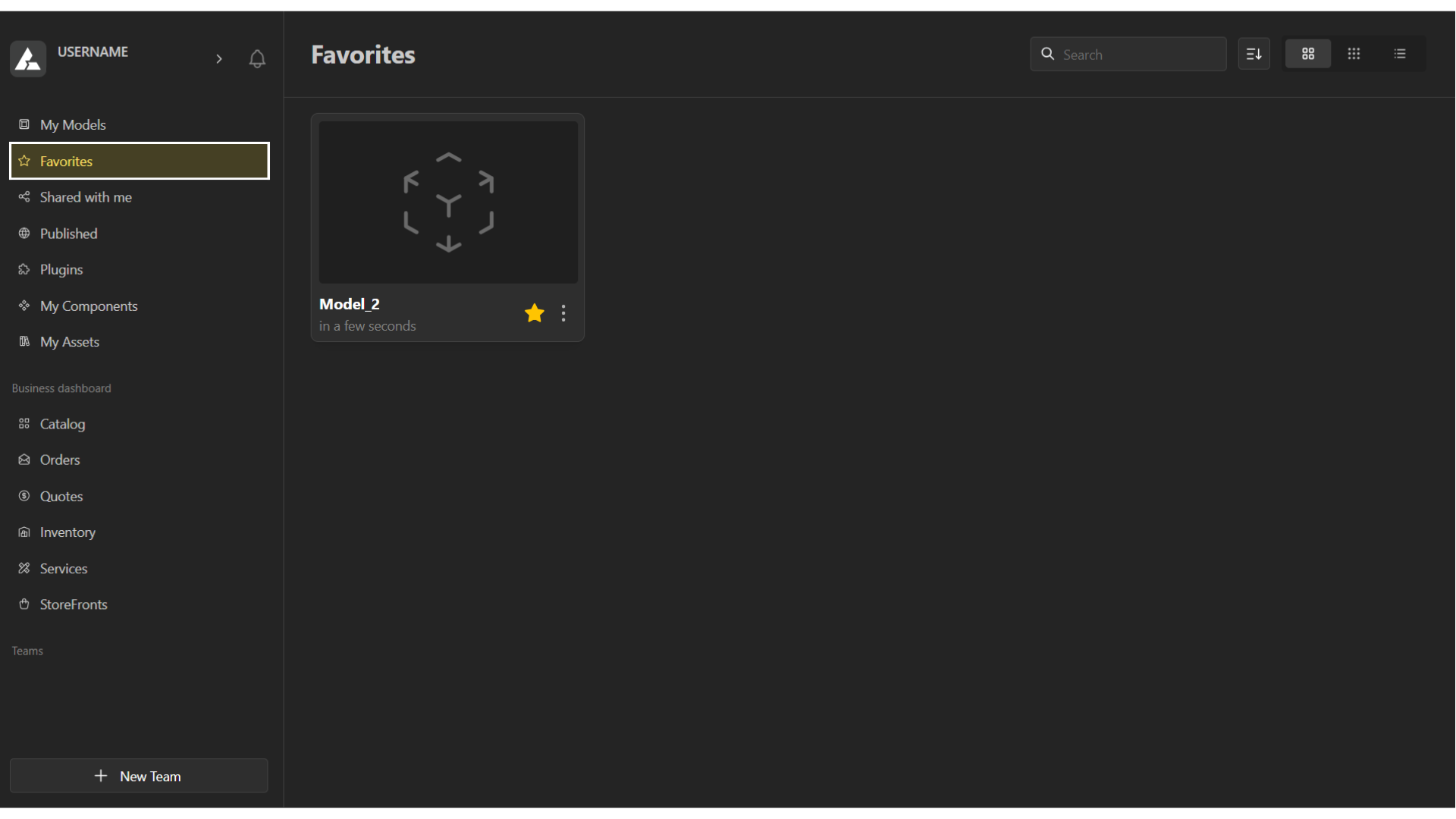
Efficient design starts with an organized workspace. Here’s a brief overview of how you can locate, categorize, and manage your models within BeeGraphy.
Navigating to your Workspace
To get started, log on to beegraphy.com/workspace
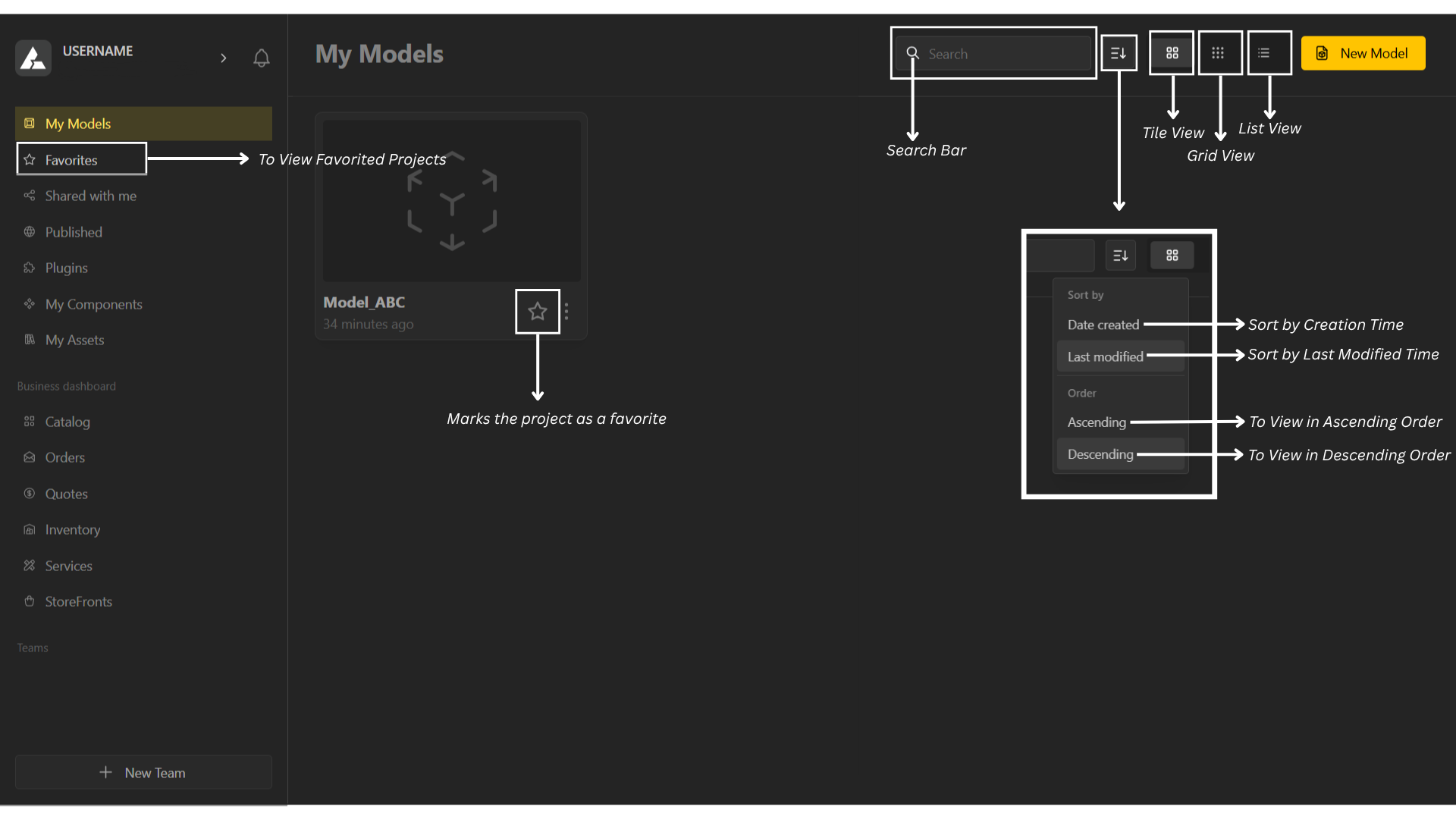
At the top of the page, navigate to the menu.
Use the Search Bar to find your desired file.
Click the Dropdown List Button to select your preferred view type — you can sort files by creation time or modified time, and choose to view them in ascending or descending order.
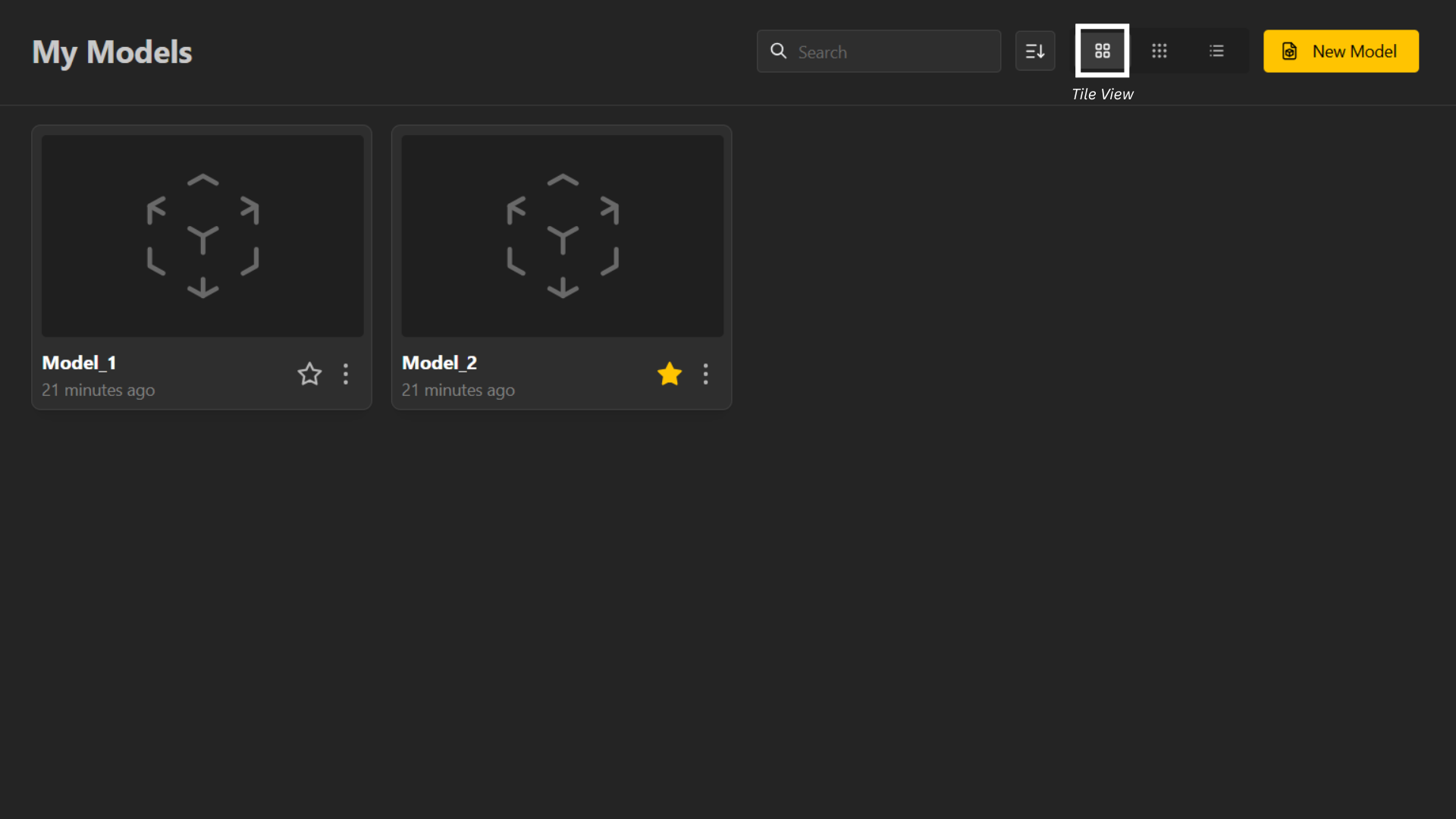
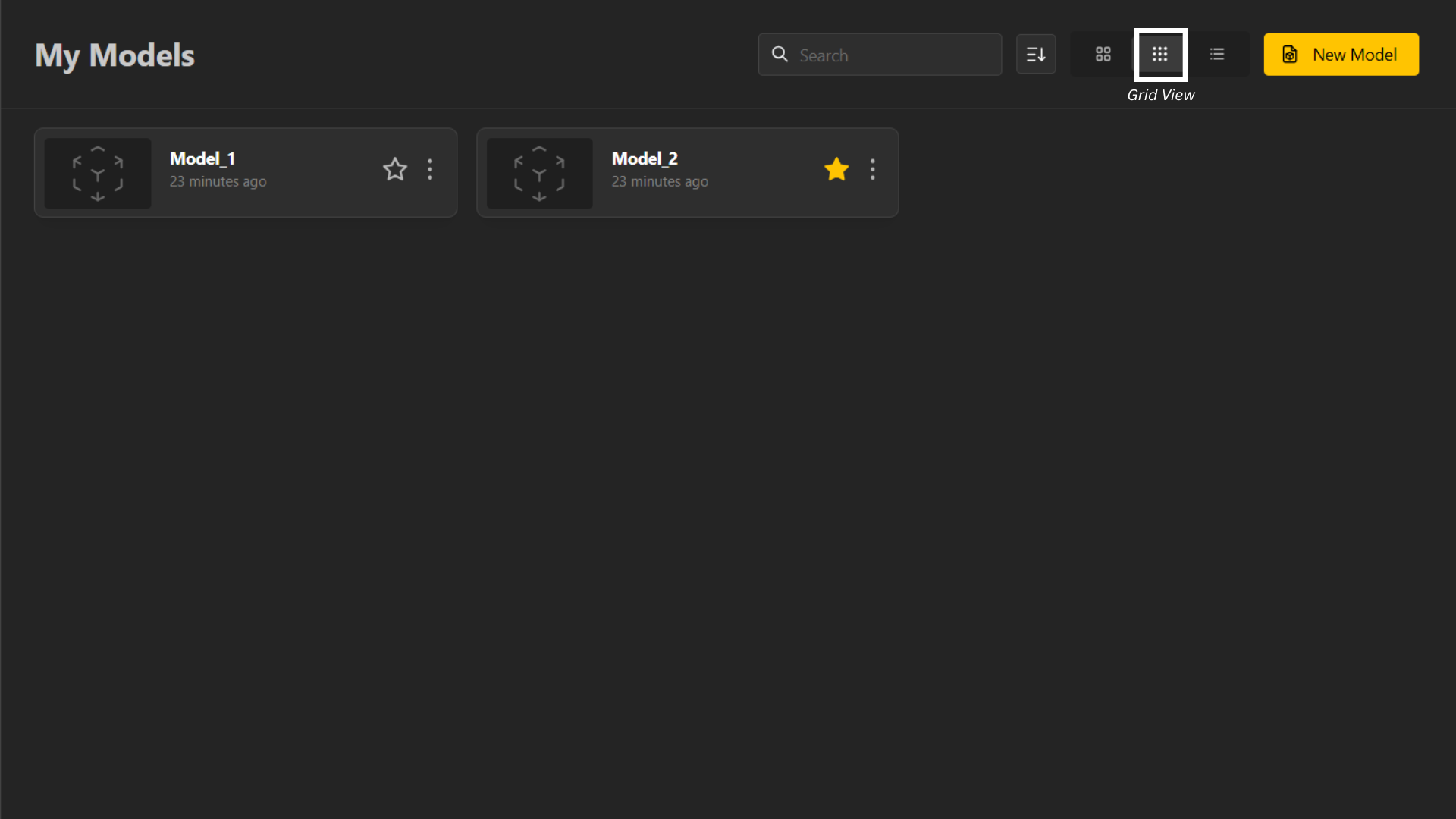
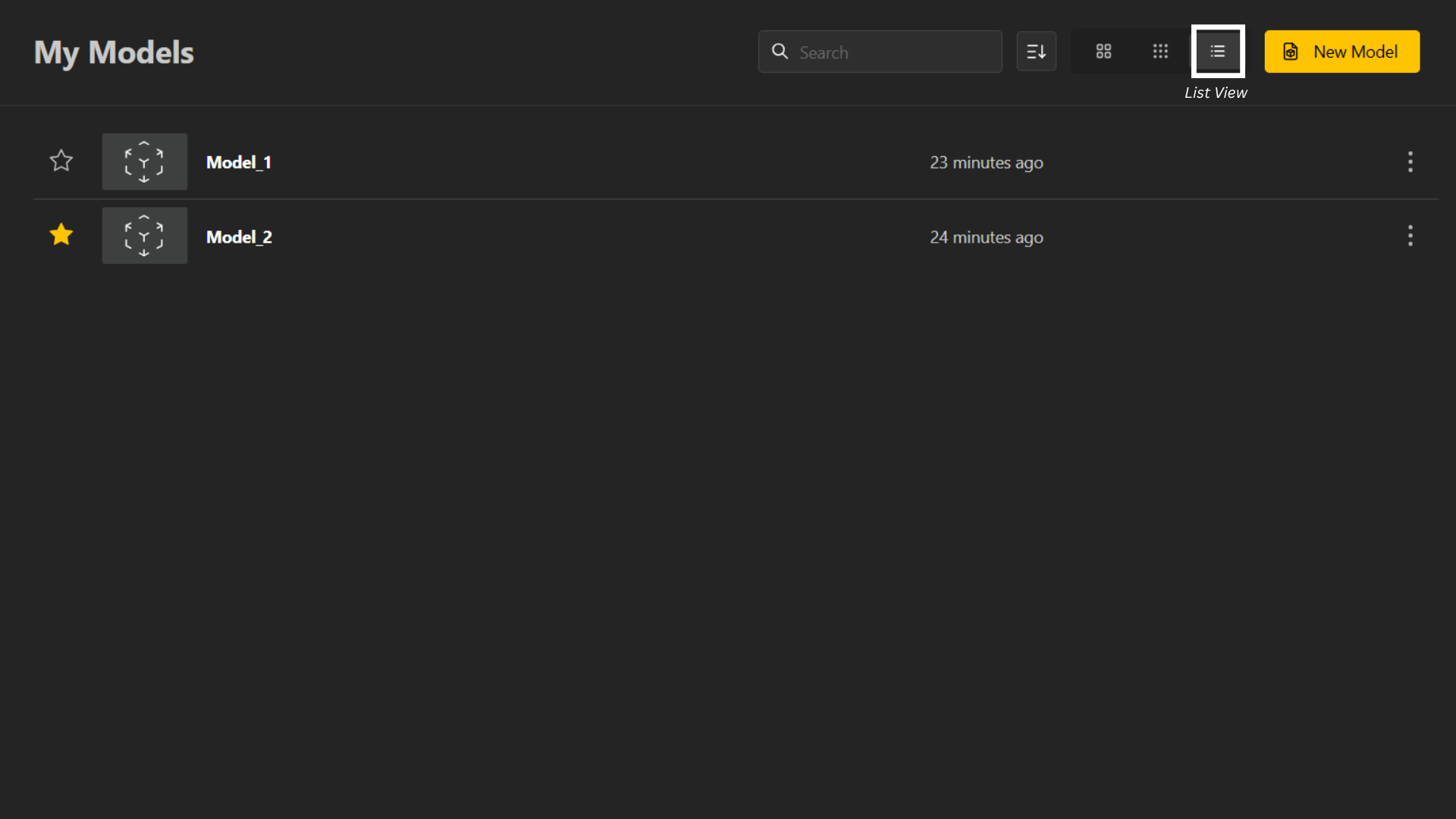
The next set of buttons allows you to change the workspace layout
Tile View
Grid View
List View
In the left column, the Favorites button lets you view all your favorited projects.