What is Solver?
The Solver feature in BeeGraphy allows users to manually pause or halt the solving process of a model. When working on complex parametric designs, the solver continuously updates outputs in response to parameter changes. However, this can sometimes lead to heavy computation or performance lag when multiple updates occur rapidly.
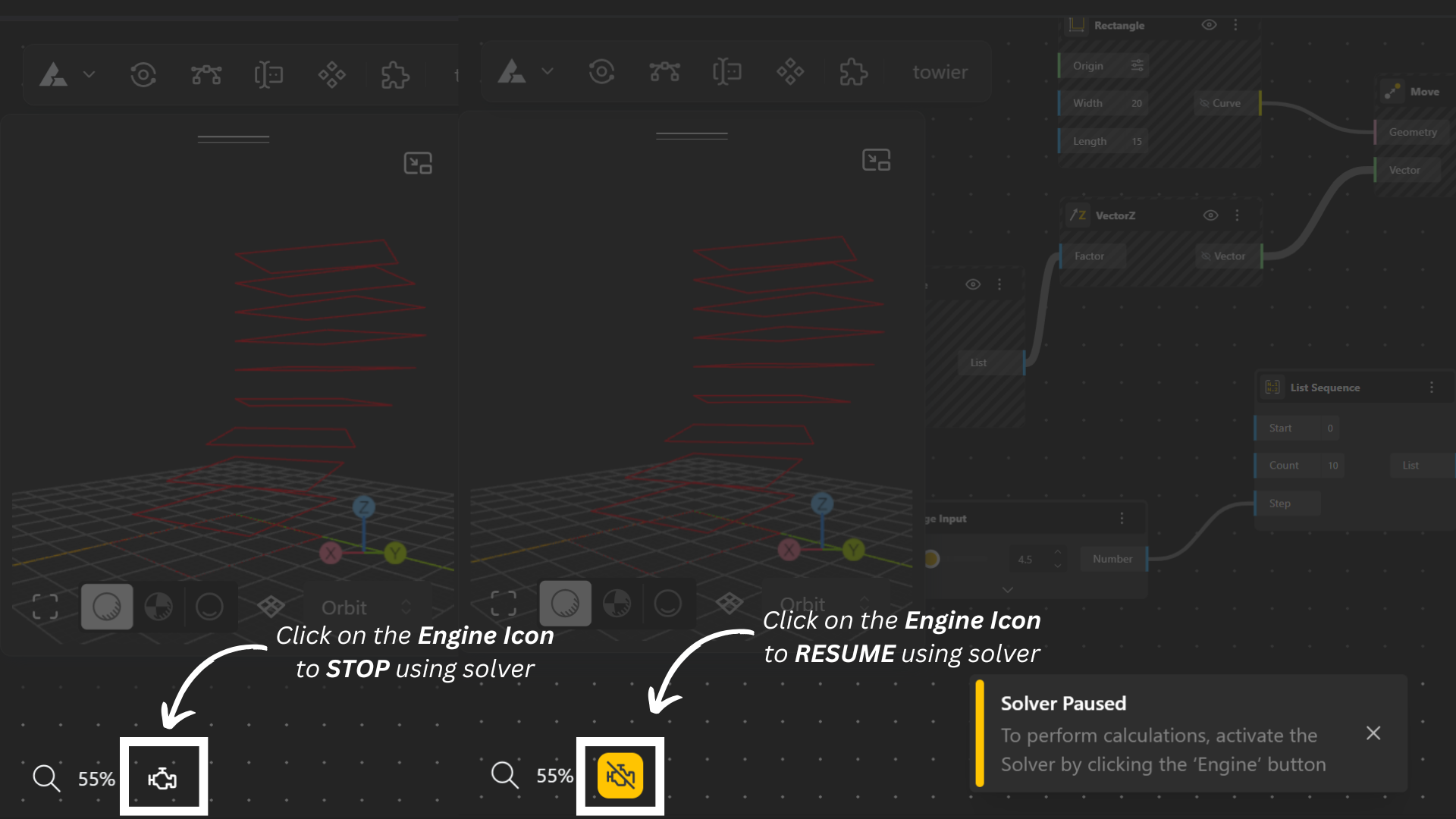
It is represented as an Engine icon at the bottom left of the screen.
Using Solver, you can:
Temporarily pause calculations to inspect your model at a specific stage.
Make multiple parameter changes without triggering recalculations after every adjustment.
Manually resume solving once you are ready to view the updated results.
To use it, click the engine icon at the bottom of the screen — this acts as a toggle between pause and resume states.
This feature is especially useful when fine-tuning complex models, testing configurations, or analyzing intermediate states without the solver running automatically.