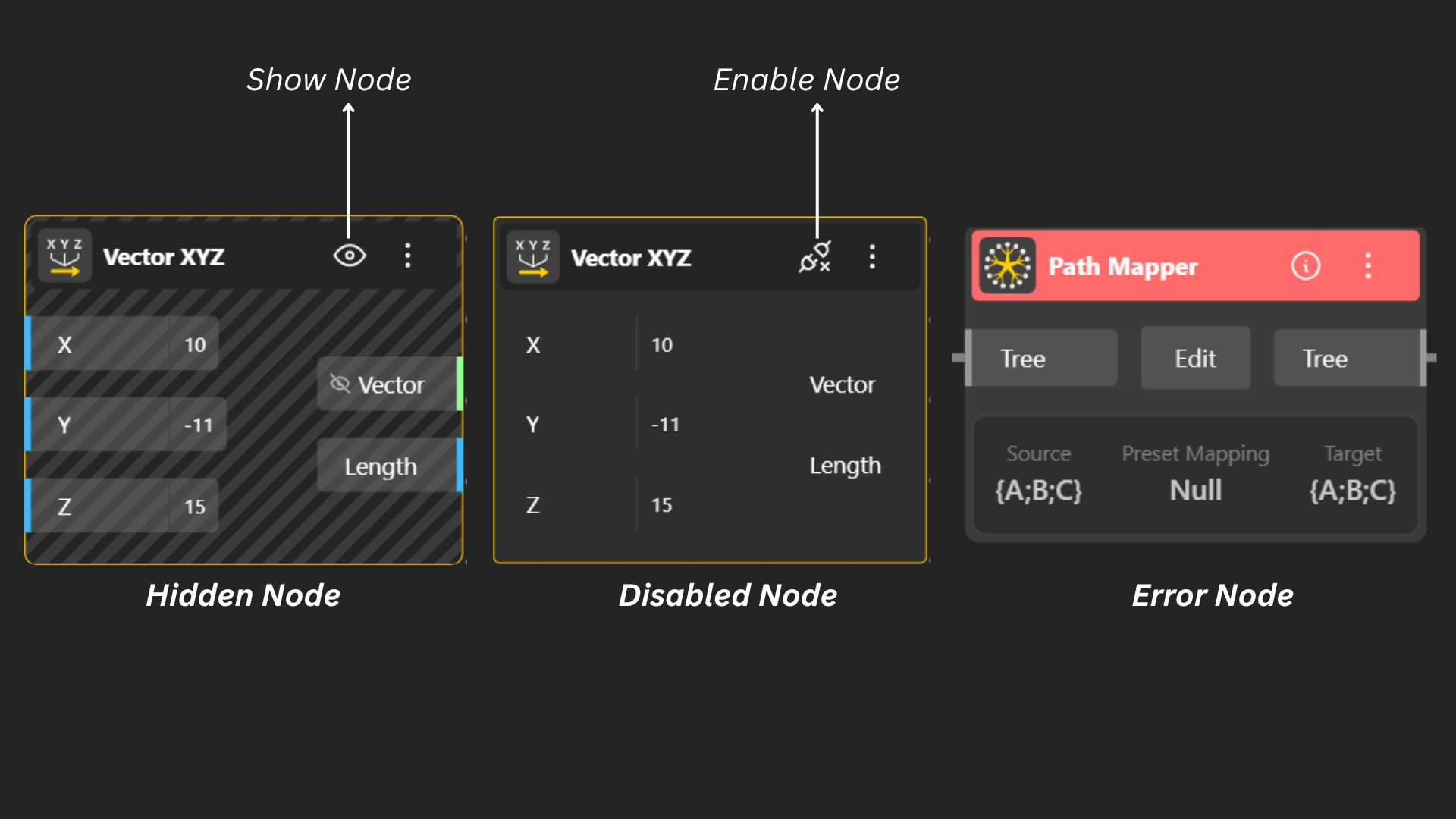
In the Editor, every node can appear in one of three states, each reflecting how it's currently functioning in your model:
Active State: When a node is active, it is working normally.
All inputs are valid
The node is processing data correctly
It contributes to the final output of your graph
You’ll typically see this as the standard/default appearance of a node.
Hidden State: A node is in hidden state when it is intentionally concealed from the workspace view.
The node still functions in the background
It processes data normally
It simply doesn’t appear visually, helping reduce clutter in complex graphs
You can unhide nodes anytime when you need to edit or inspect them again.
Disabled State: A node becomes disabled when you manually turn it off or temporarily deactivate it.
The node stops executing
It does not affect downstream nodes
Useful for debugging, testing alternatives, or improving performance
Disabled nodes remain visible but don’t participate in calculations.
Error State: A node enters the error state when something is wrong.
Inputs may be invalid or missing
There could be incompatible data types
An internal process may have failed
The node displays an error indicator, prompting you to fix the issue before the graph can fully function.