Placing and moving nodes in BeeGraphy is simple and helps you structure your graph efficiently. Here’s how to do it.
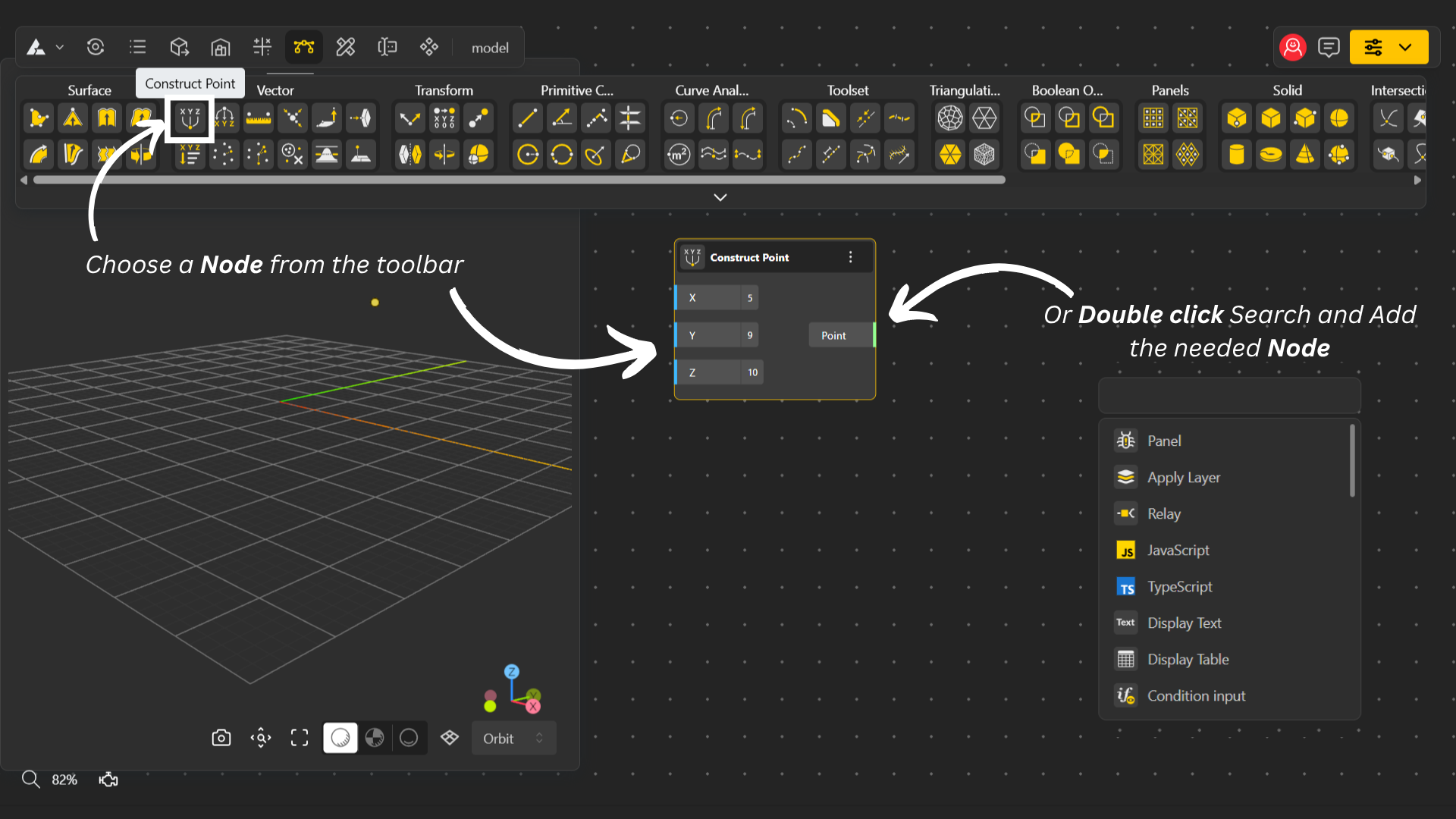
To add a node, open the Toolbox by clicking on it in your workspace.
Select the node you want to add, and it will appear on your canvas.
You can also double-click on the canvas to quickly add a node.
That’s how you place a node.
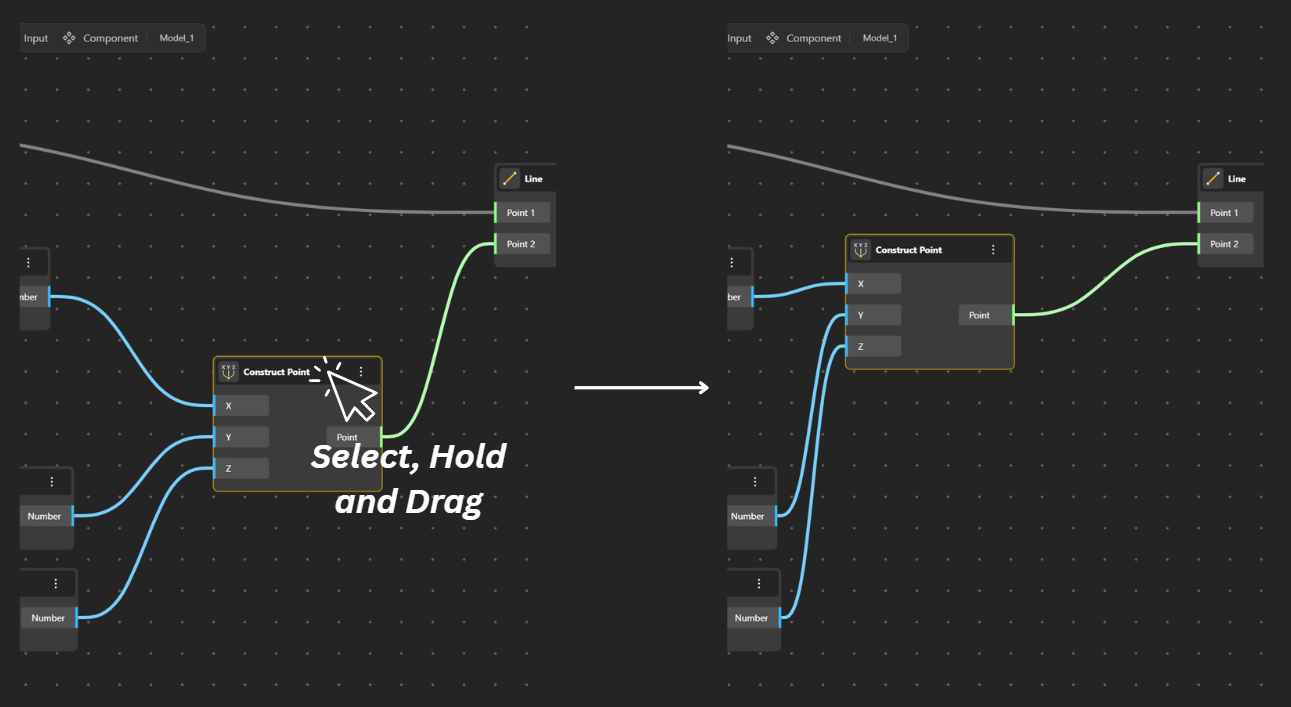
To move a node, simply click on it, hold, and drag it to the position you want in the workspace.