
What is a Quote?
A quotation is a formal price offer generated for a specific product or set of products. In Beegraphy, it serves as an official document that outlines the selected model, its pricing, and the key details needed for a customer to review before making a purchase. It helps both the seller and buyer clearly understand what is being offered and at what cost.
If needed, additional adjustments can later be made based on the customer’s requirements.
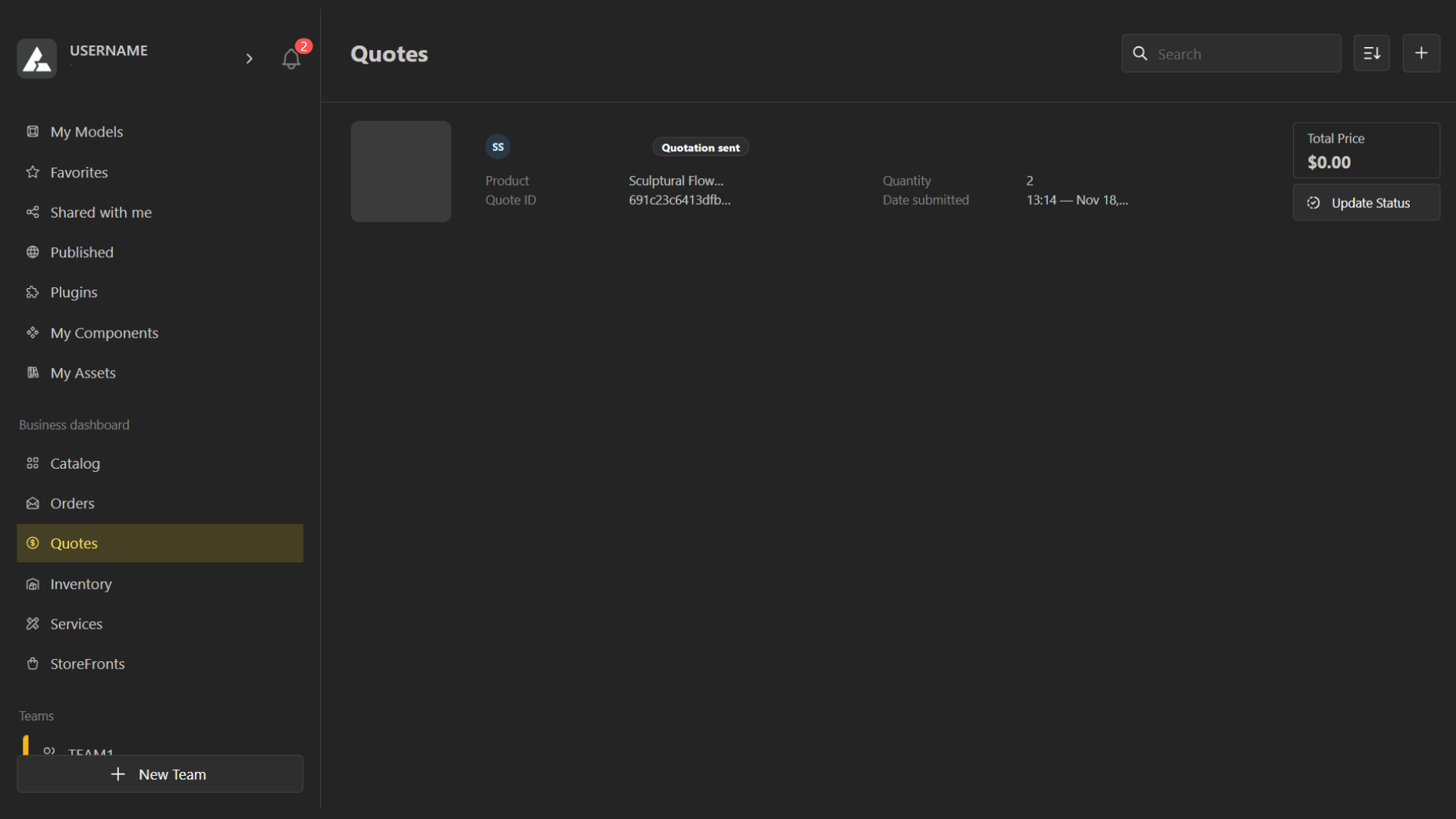
How to Create a Quotation in Beegraphy
Go to the Business Dashboard and open the Quotes tab.
Click the plus (+) icon to create a new quotation.
Select the product, and enter the customer's name and email address.
You’ll be redirected into the Configurator mode, where you can make all the necessary adjustments according to the customer’s request.
As you proceed, Beegraphy will automatically generate the final bill based on your selections.
Once everything is set, click Send Quotation to share it with the customer.
Quotes → Order Process
Create a Quotation
You first prepare a quotation that outlines the product, its specifications, and the estimated price. This is a non-binding offer sent to the customer for review.Customer Reviews the Quotation
The customer checks the details, pricing, and terms. They can ask for edits, adjustments, or approve it as is.Quotation Approval
Once the customer agrees to the quotation, it becomes the basis for the final purchase.Convert Quotation to Order
After approval, the quotation is converted into an order. This officially confirms the purchase and moves the item into the order pipeline.Order Processing Begins
Once it's an order, the product goes into fulfillment—production, packaging, or delivery steps depending on the workflow.