
Beegraphy allows you to offer services alongside your products — such as manufacturing, customization, consulting, or design support.
Adding Services
Go to Business > Services.
Click Add Service.
Enter the service details — name, description, pricing, delivery time, and any requirements.
Save your service to make it visible in your business offerings.
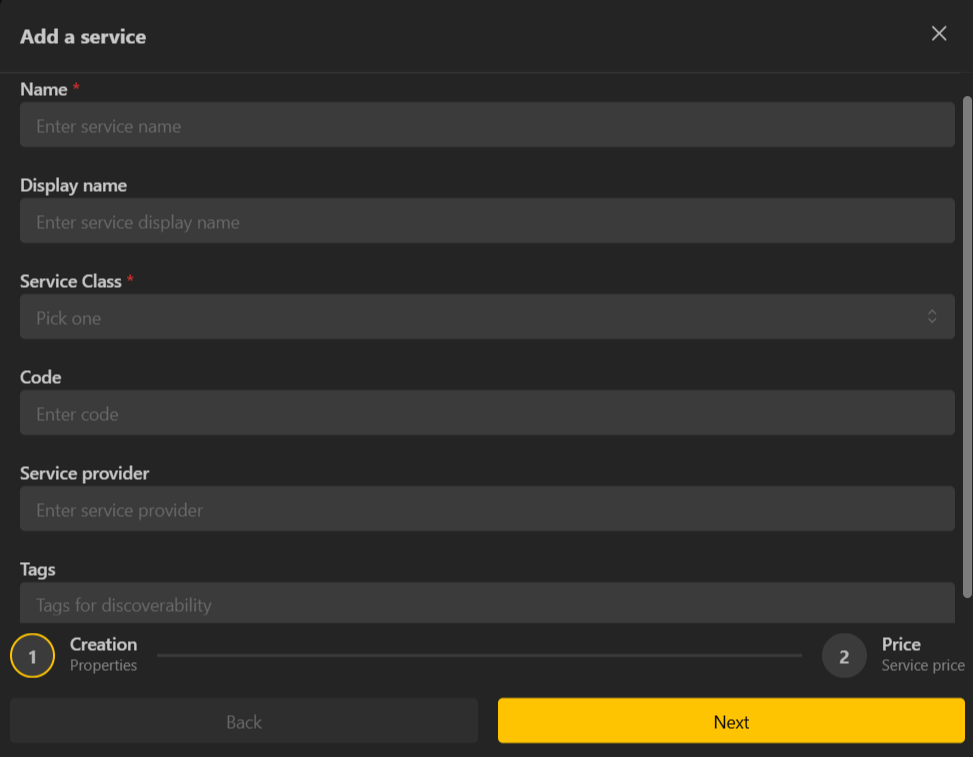
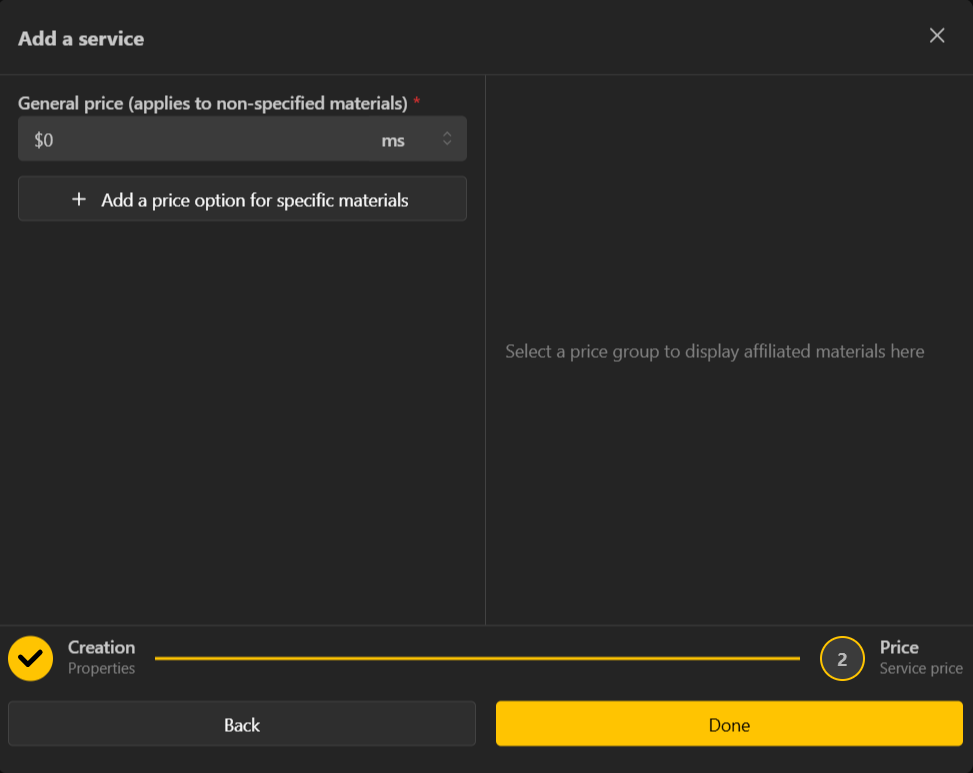
Your services will now appear in your catalogue and can be selected by customers during the ordering process.
Tracking Fulfillment
Keep track of all incoming orders and their progress through the fulfillment pipeline.
Open Business > Orders.
View each order’s status (e.g., Pending, In Progress, Completed, Shipped).
Update the status as you work, add notes, and upload deliverables if needed.
Filter orders by status to quickly see what needs attention.
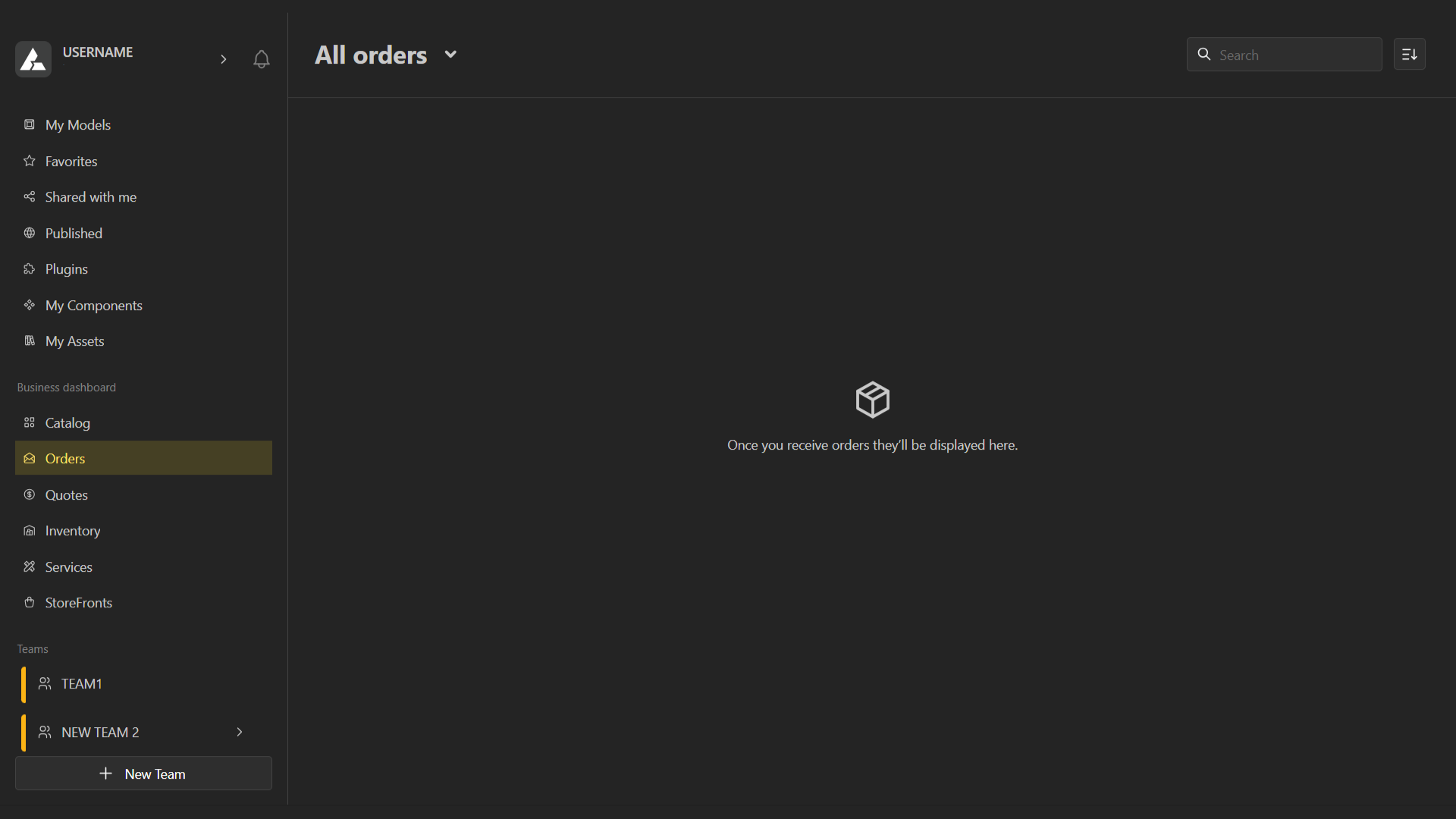
This helps you manage workload and ensure timely delivery.