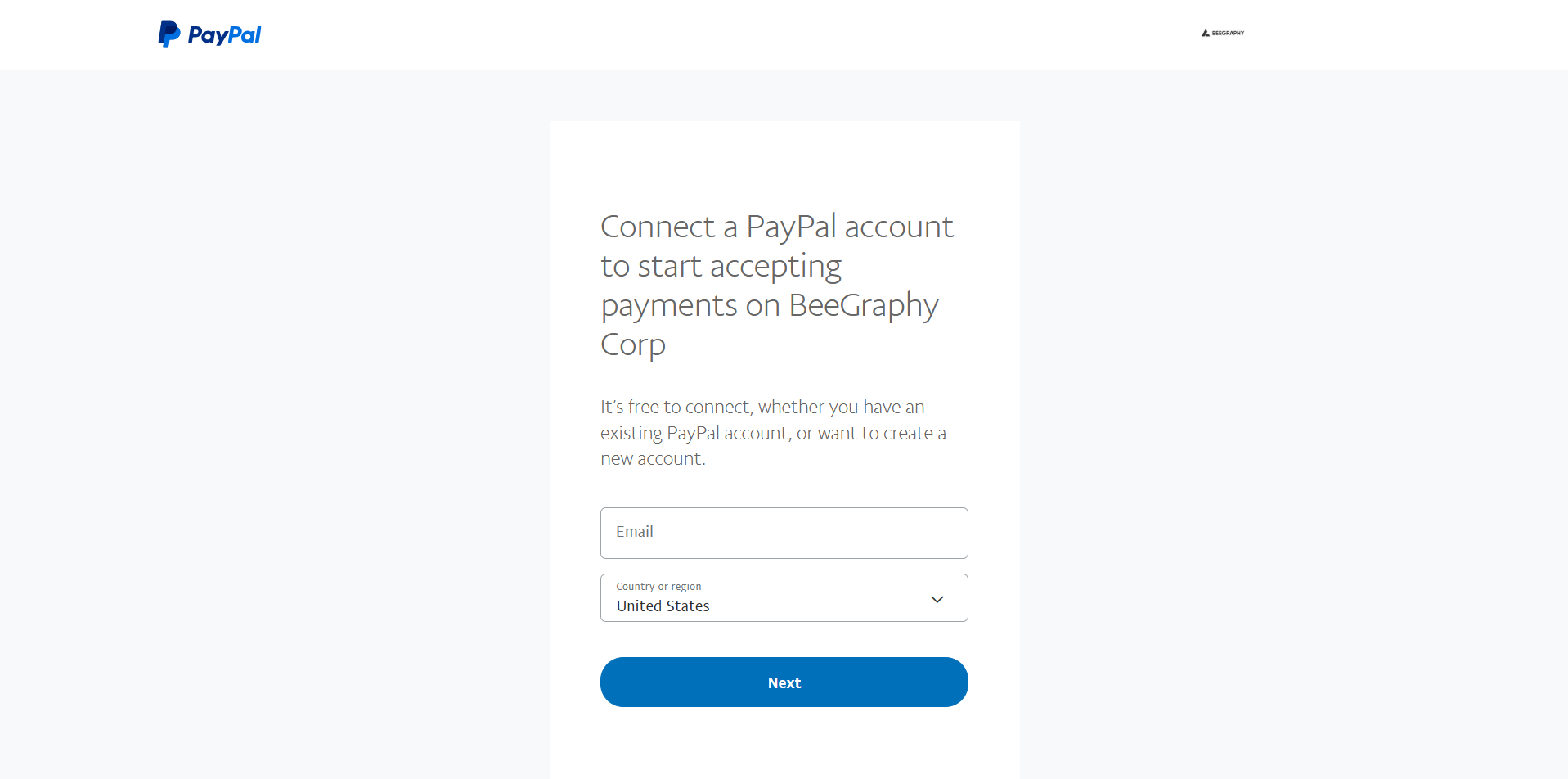
To link your customer account for payments, follow these steps:
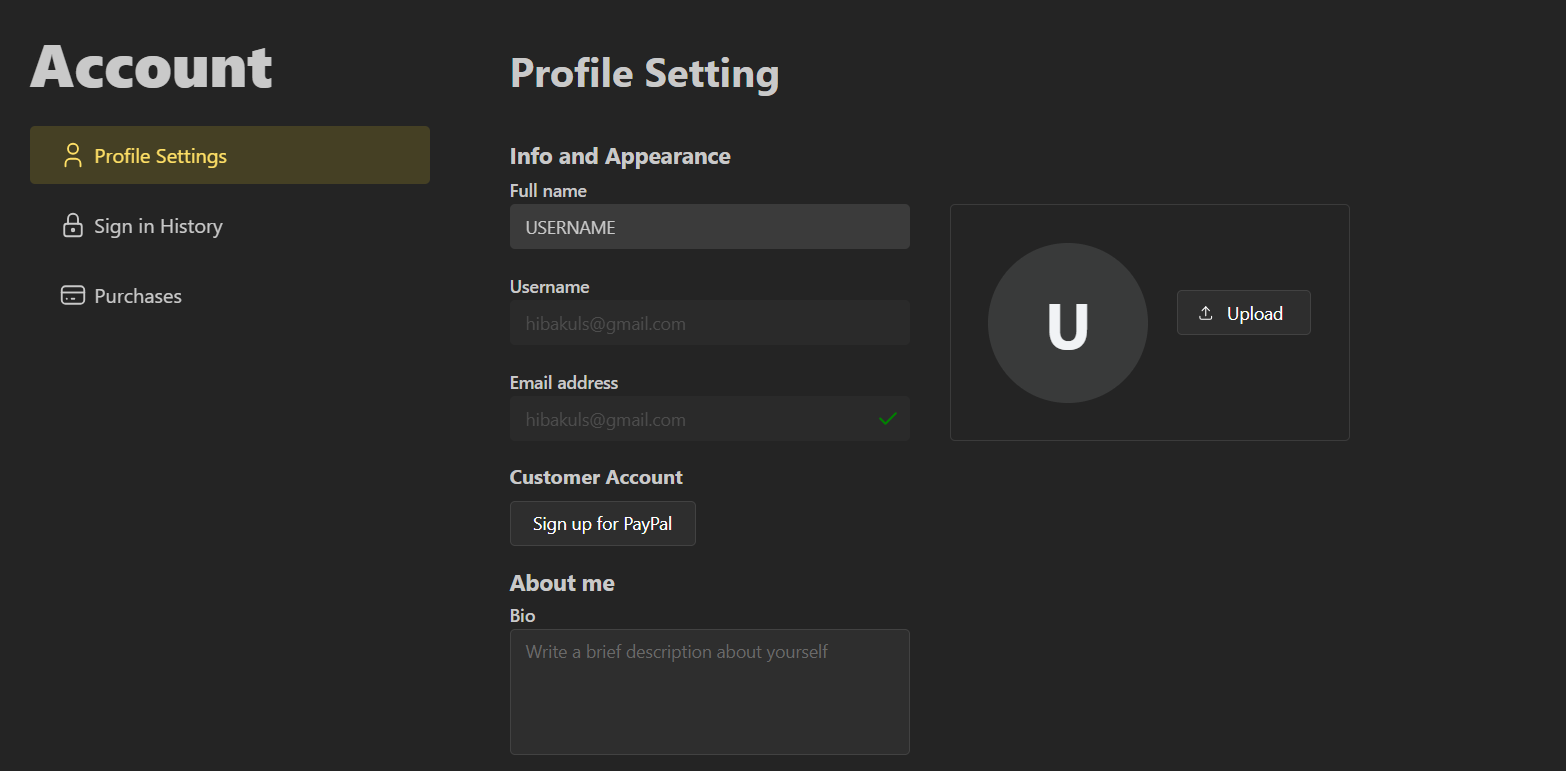
Log into your Beegraphy account and open the Account Settings page, or simply visit beegraphy.com/account.
Navigate to the Customer Account section.
Click on Sign Up with PayPal.
You’ll be redirected to a new page where you can enter your PayPal email address and complete the setup.