
What are Assets?
Assets are all the resources you can use in your models, including textures, materials, fonts, 3D objects, and other elements. They help you customize, enhance, and render your parametric designs more realistically.
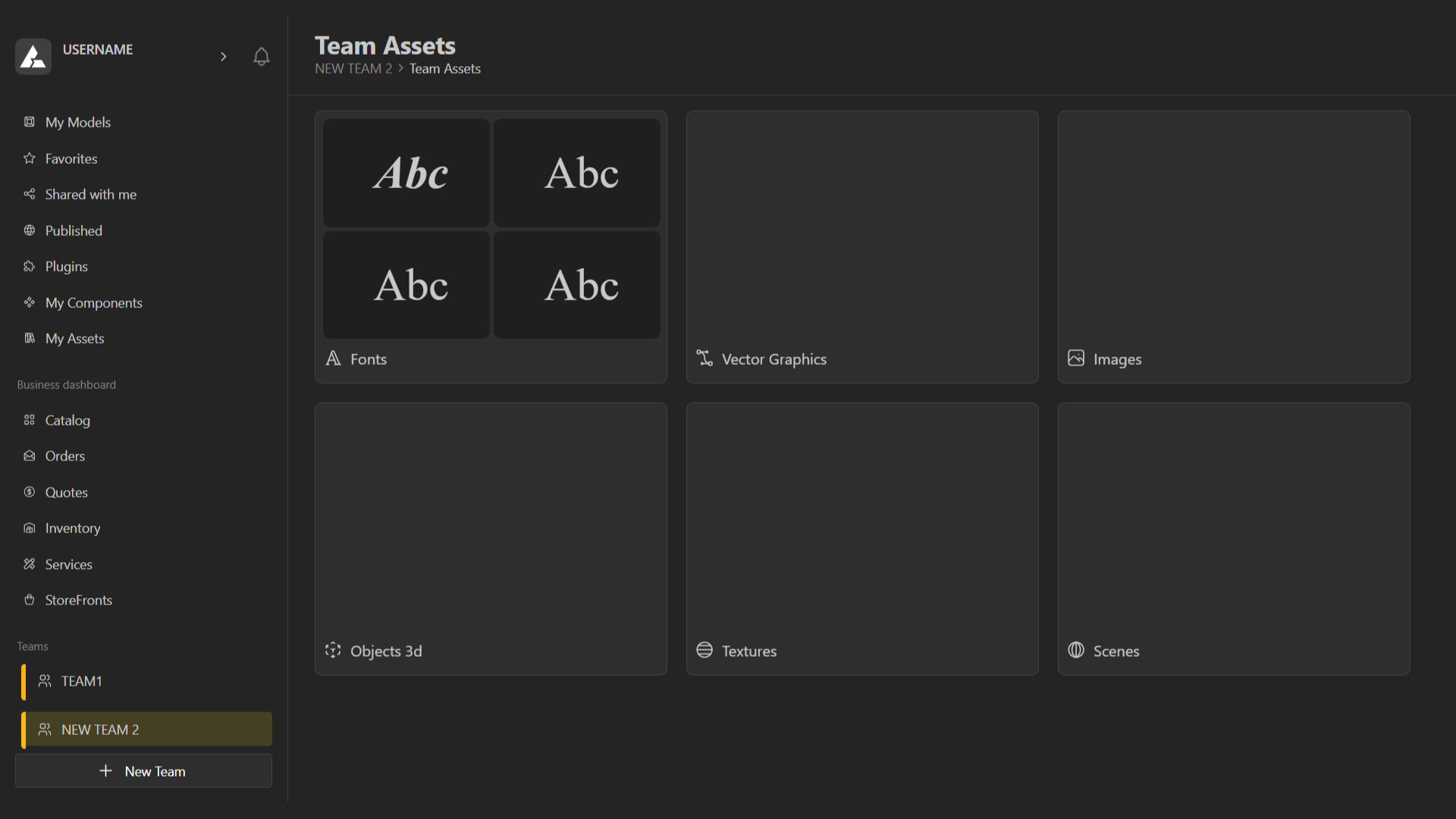
Properties & Uses in Projects
Fonts allow you to add and apply different text styles to your 3D or 2D elements.
Vector Graphics are images made up of points, lines, and shapes defined by mathematical equations, rather than pixels. Unlike raster images, they can be scaled up or down without losing quality, making them ideal for illustrations, diagrams, logos, and parametric designs.
3D object include digital files that stores the geometry, structure, and sometimes textures or materials of a three-dimensional model. These files can be imported, exported, and used in different software for modeling, rendering, or 3D printing.
Texture files are images or patterns applied to the surface of a material in a 3D model to give it color, detail, or visual realism. They define how a material looks, such as its color, pattern, reflectivity, or roughness. You can add your own texture files or upload from the BeeGraphy community. The platform offers a wide range of textures, from fabrics and clothing to architectural surfaces and more, giving you plenty of options to customize your materials.
Scene is the complete 3D environment where your models exist. It includes all geometry, materials, lights, cameras, and other objects in a project. In parametric modeling, the scene lets you visualize, manipulate, and interact with your design as a whole, providing context for how all elements relate to each other.
How do I Add Assets?
Choose the asset you want to work with and select it.
In the top-right corner, click the option to add a new asset.
Upload your file or select one from the community library.
Give your asset a name and click Create to add it to your workspace.
Asset Sharing
When you share a model, its associated assets, such as textures and fonts, are now shared along with it. This ensures the model opens and displays correctly for everyone who receives it, with no missing materials or fonts.
How do I create and manage Scenes?
How do I create and manage Scenes?