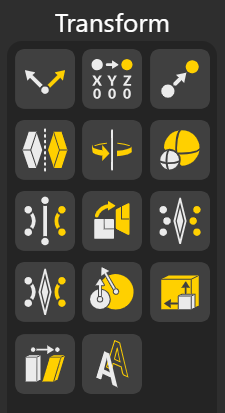
Transform Nodes are the tools that let you take control of how your geometry behaves in space. Whether you want to move an object, rotate it to a precise angle, scale it uniformly or non-uniformly, mirror it across planes, or reorient it to match another direction. These nodes give you the flexibility to reshape your model exactly the way you need. With Transform Nodes, you can fine-tune placement, alignment, and spatial relationships effortlessly, making them essential for any parametric design workflow in BeeGraphy.
All the nodes are explained below.
Aligns one vector to match the direction of another vector or plane, adjusting its orientation while preserving magnitude.
Shifts the origin of geometry or a plane to a new reference point without altering its shape or orientation.
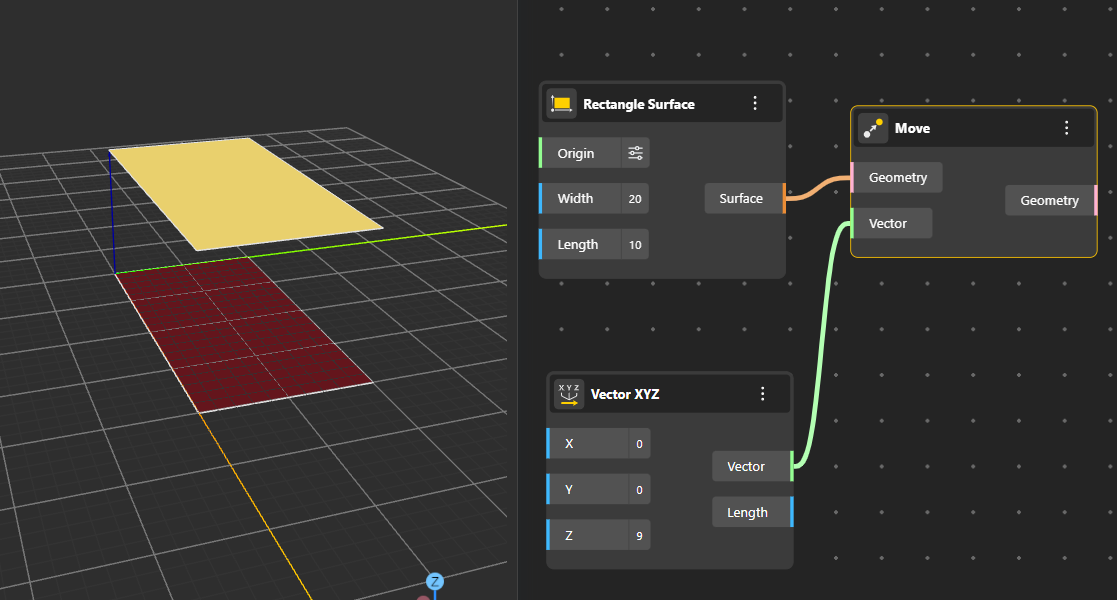
Translates geometry, points, or objects along a specified vector, repositioning them in space.
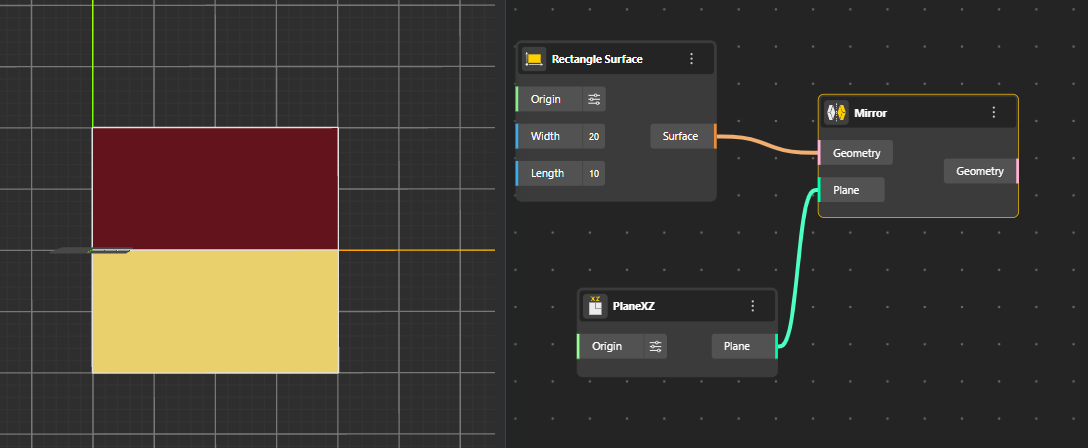
Reflects geometry across a selected line, plane, or reference frame, creating a symmetric copy of the original form.
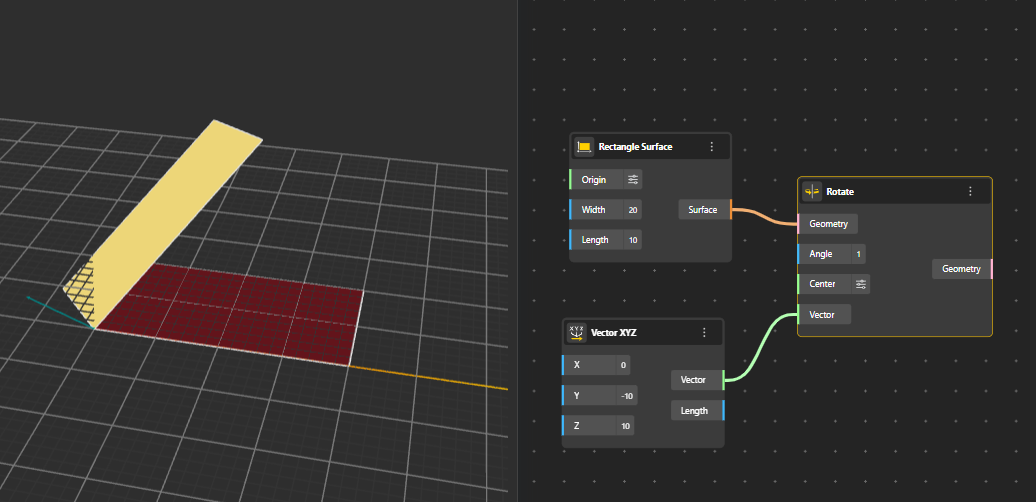
Rotates geometry around a specified axis and angle. The axis can be defined using points, vectors, or a center.
Resizes geometry relative to a chosen origin or center point. Supports uniform scaling across different axes.
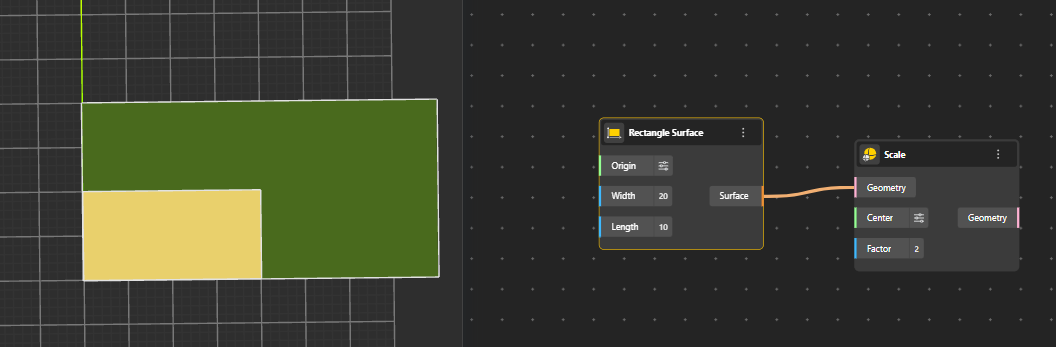
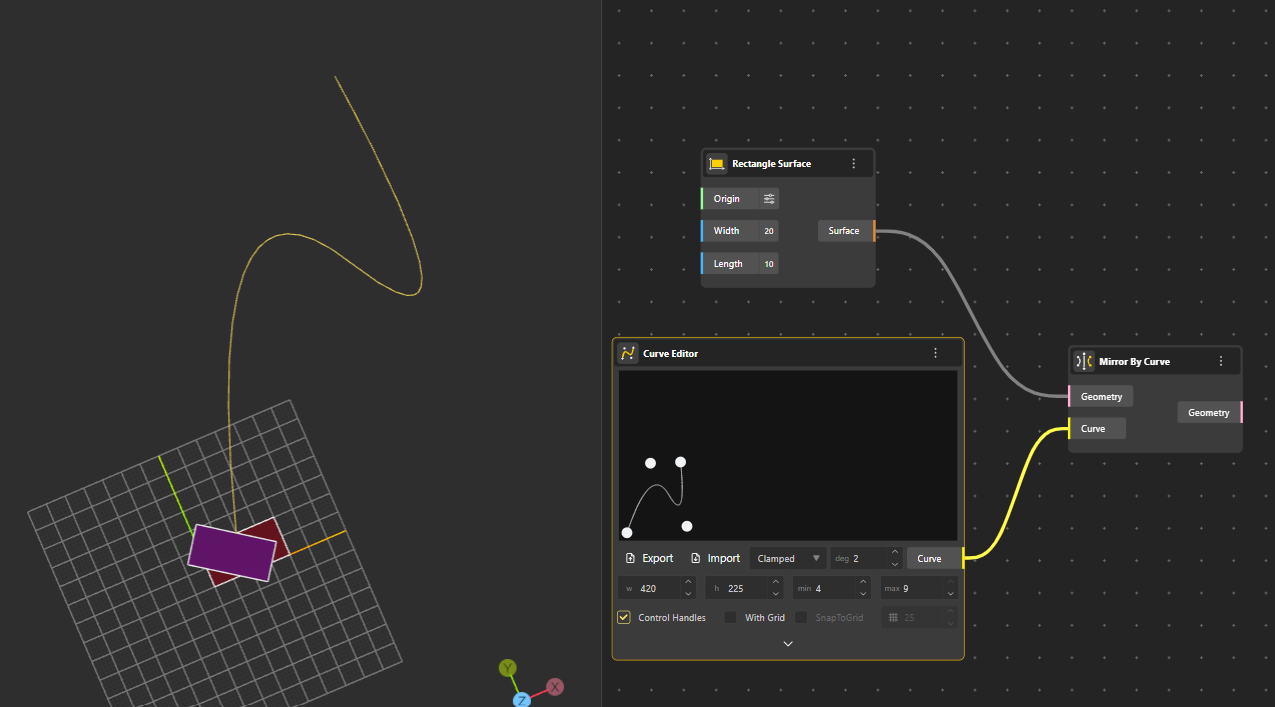
Reflects geometry using a curve as the mirror reference, useful for curved or non-linear symmetry.
Aligns geometry to match a target plane or reference frame, repositioning and rotating it accordingly.
Reflects a point across a surface, placing it symmetrically on the opposite side.
Mirrors a curve across a designated surface, generating a symmetrical counterpart.
Adjusts geometry to follow a specified direction, aligning its primary axis or orientation..
The Scale NU node adjusts the scale of the input geometry. The scaling is performed relative to the point obtained from the input node, using coefficients provided by other nodes for the X, Y, and Z axes.
Applies a shear transformation to geometry, slanting or distorting it along a specified axis.
To take a curve defined on a “source surface” and map it onto a “target surface”, preserving its relative position in the source surface’s parameter space. This is very common when you want to transfer patterns or details from one surface to another.
