Boolean (in geometry) simply means combining shapes using logic like adding them together, cutting one from another, or keeping only the parts where they overlap. Boolean operation nodes combine or separate geometry using union, difference, intersection, and splitting methods.
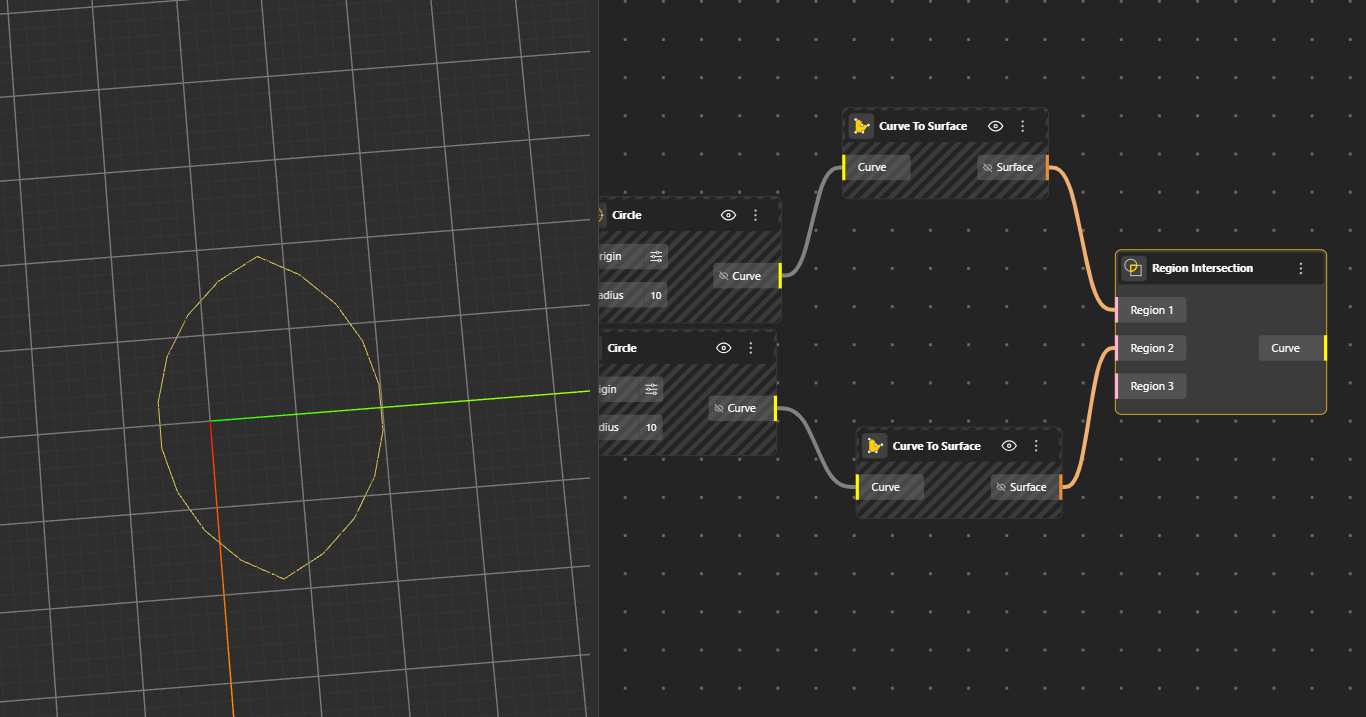
Finds the overlapping area between two or more 2D regions (closed curves). The output is only the shared portion where all regions cover the same space. Hide the original geometry nodes for better preview.
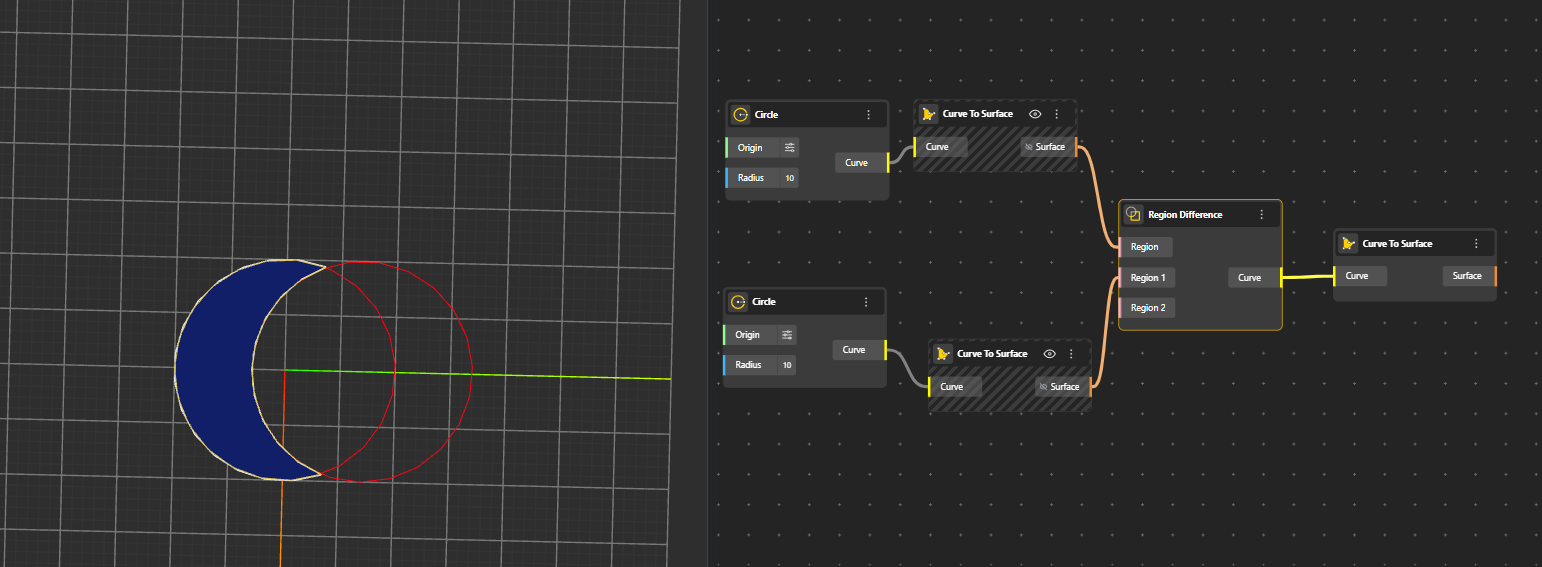
Subtracts one region from another. It keeps the first region and removes the area that overlaps with the second region. Generates Curve. Hide the original geometry nodes for better preview.
Region 1 is the main region you want to keep. Region 2 and onwards - regions that will be cut out from the main region if connected.
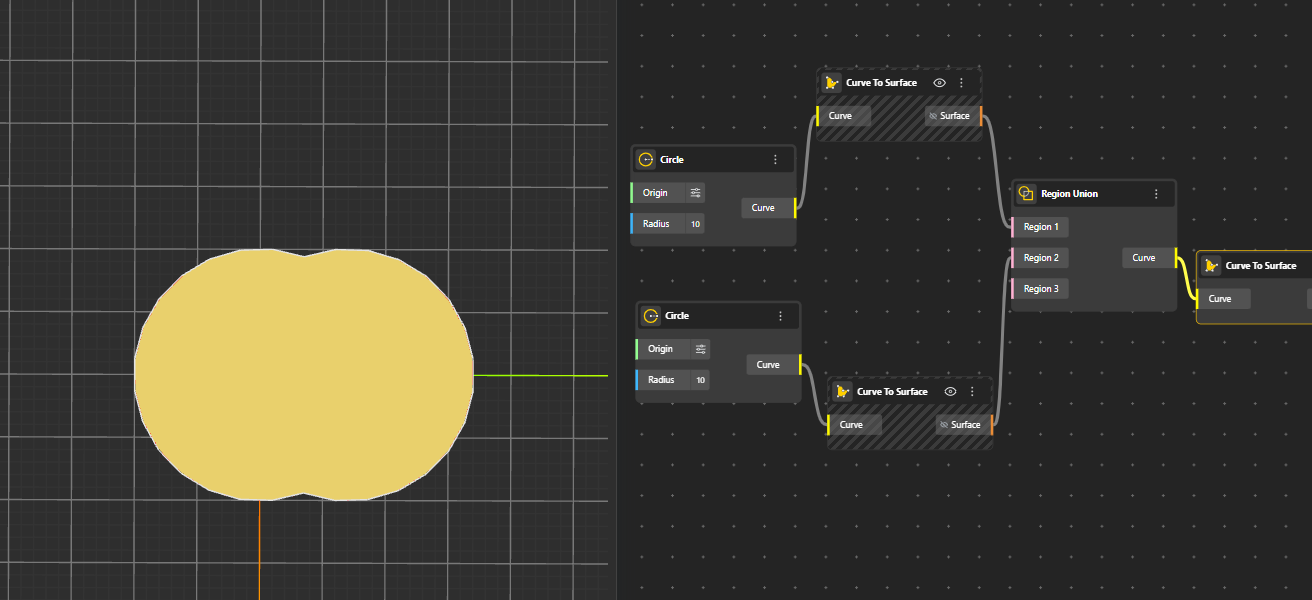
Merges multiple 2D regions into a single combined region. Overlapping or touching boundaries are fused into one clean shape. Generates Curve. Hide the original geometry nodes for better preview.
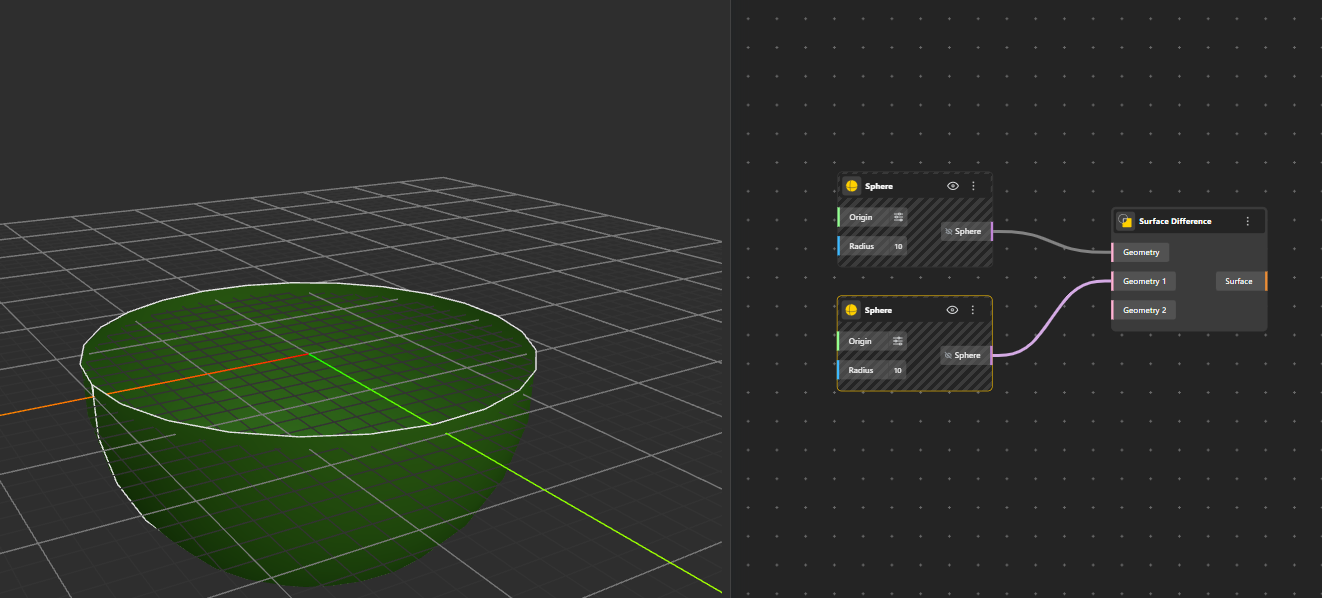
Subtracts one surface from another. The first surface is trimmed by removing the area where the second surface overlaps. Generates Surface. Hide the original geometry nodes for better preview.
Geometry 1 is the main region you want to keep. Geometry 2 and onwards will be cut out from the main geometry if connected.
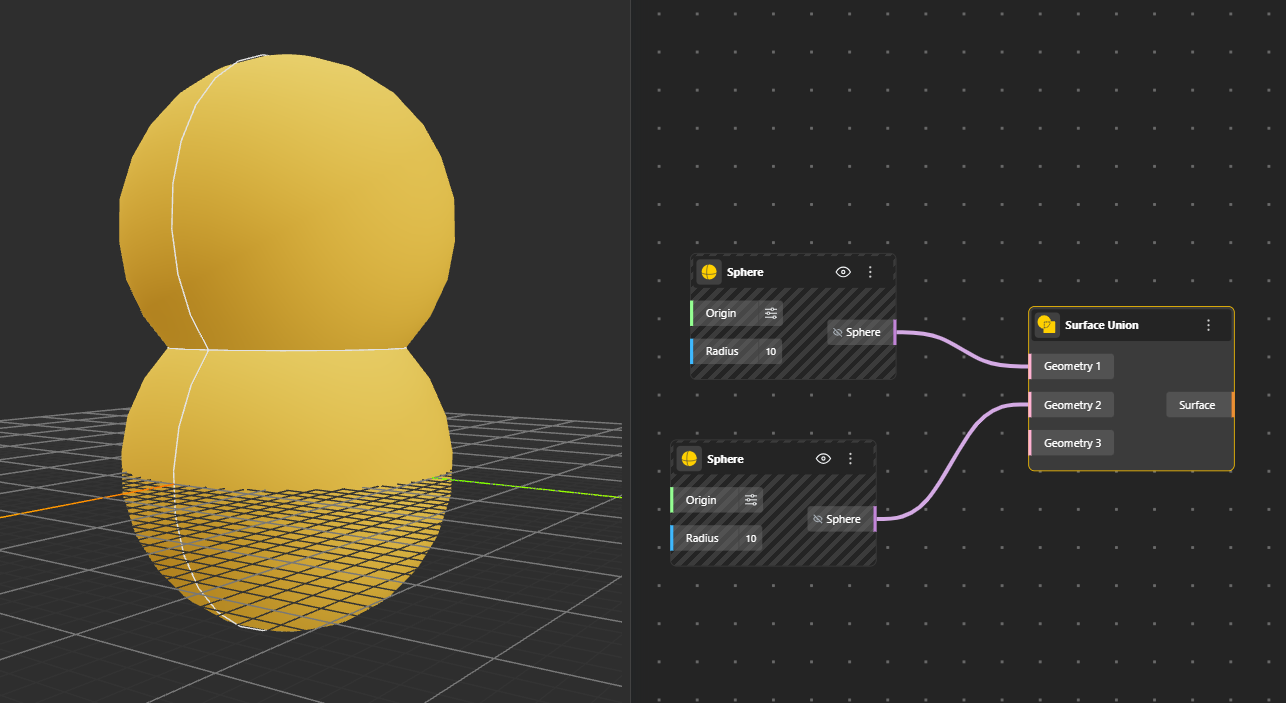
Combines two or more surfaces into one unified surface. This creates a single connected surface from overlapping or adjacent inputs. Generates Surface. Hide the original geometry nodes for better preview.
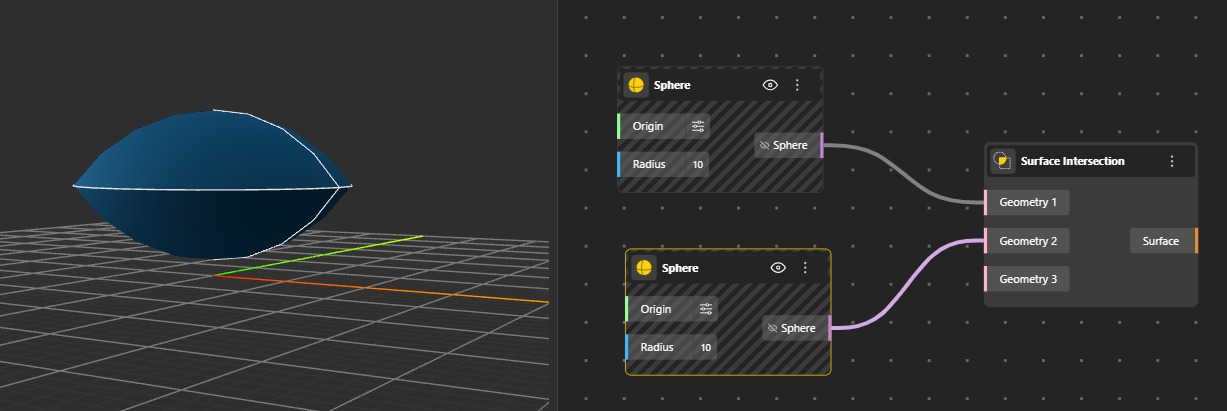
Calculates the shared area or intersection curve between two surfaces. The output represents the exact portion where the surfaces cross or overlap. Generates Surface. Hide the original geometry nodes for better preview.
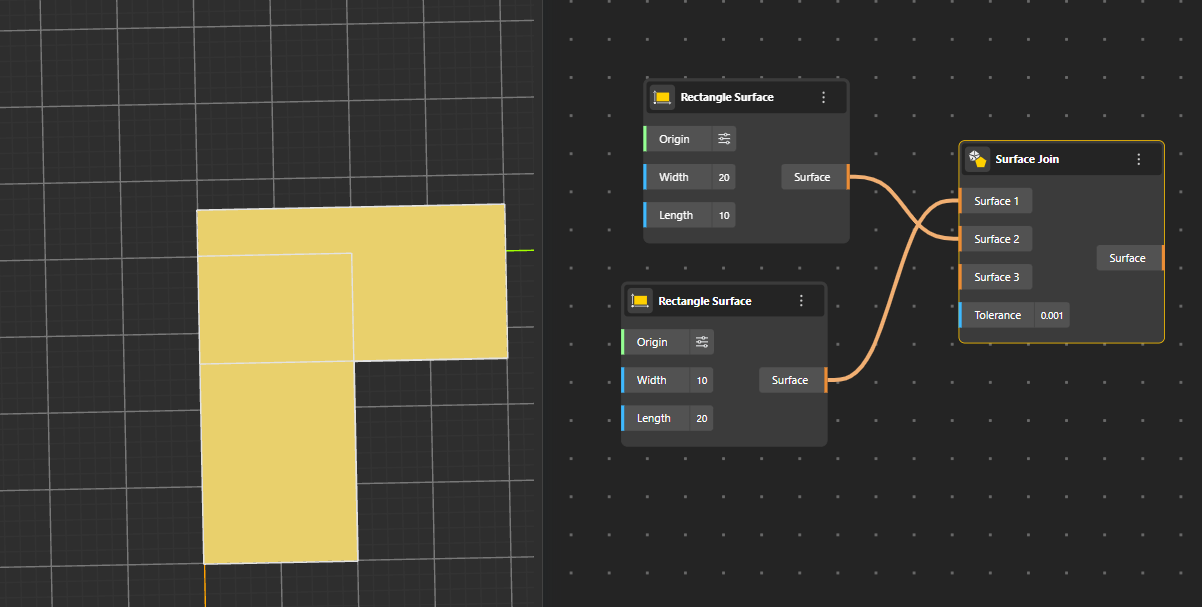
Merges multiple surfaces edge-to-edge into one connected surface. It creates a single surface structure without smoothing or blending.
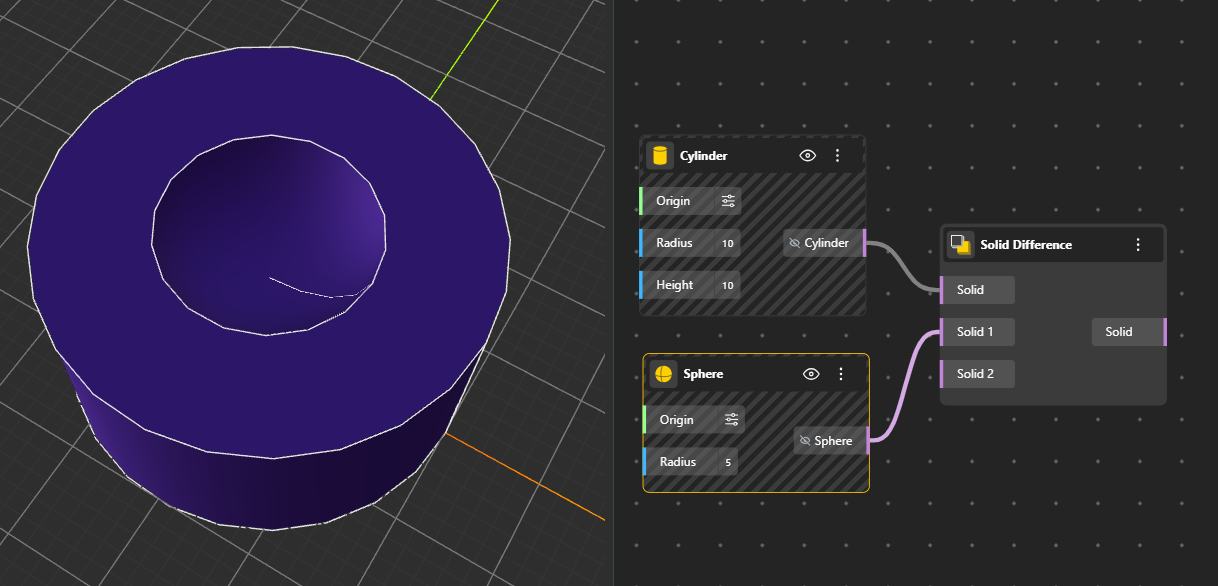
Subtracts one solid from another. The resulting solid keeps the shape of the first input but removes any volume overlapping with the second. Hide the original geometry nodes for better preview.
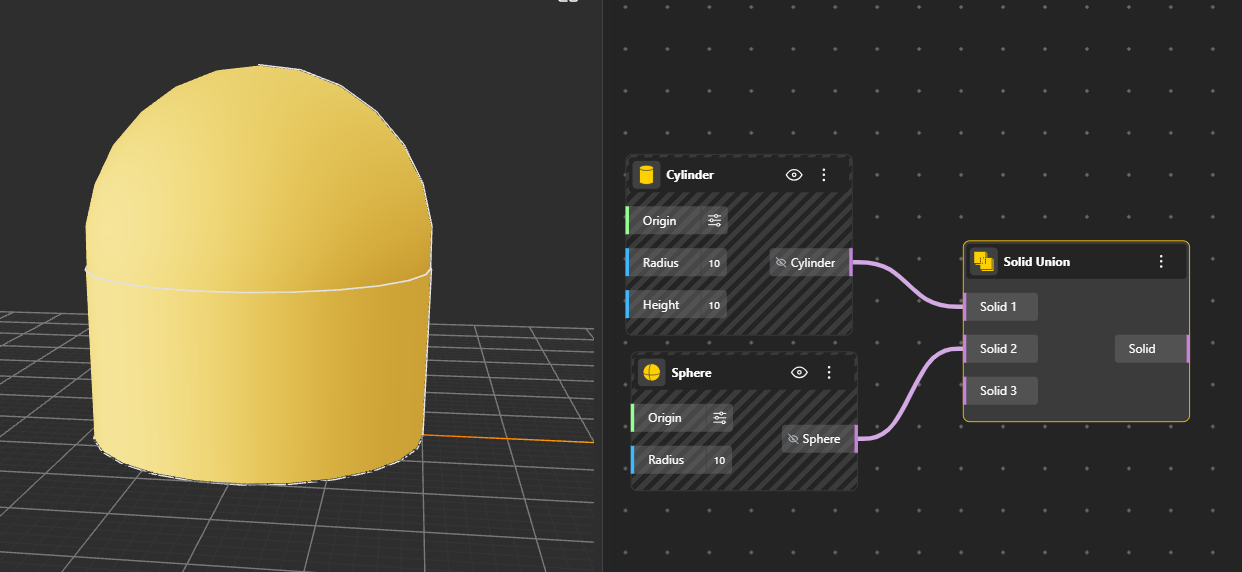
Combines multiple solids into a single clean 3D volume. Any touching or overlapping areas are merged into one solid body. Hide the original geometry nodes for better preview.
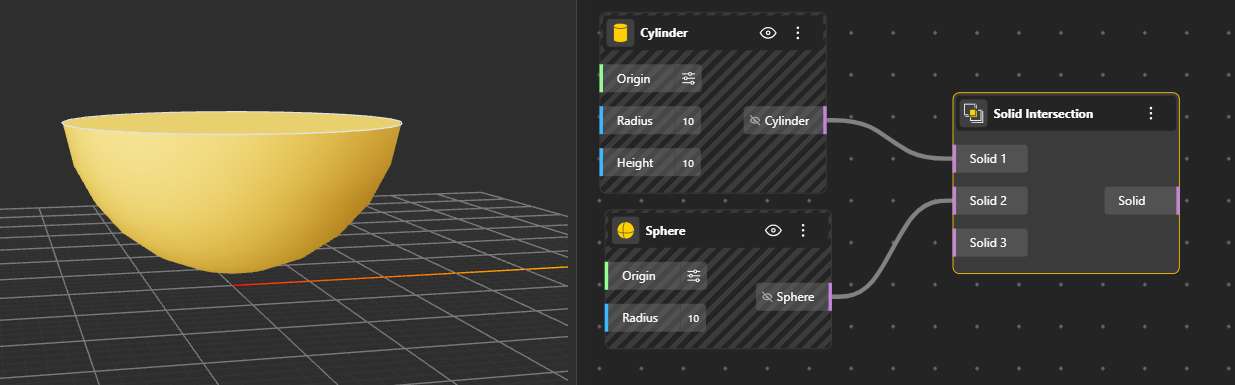
Returns only the 3D volume shared by all input solids. The output is the overlapping portion where the solids occupy the same space. Hide the original geometry nodes for better preview.
Cuts a solid using another solid or surface as a cutter. The output contains all the separated pieces created from the cut.
Splits a single solid using multiple cutters at once. It returns all fragments generated from every cutting operation.
Cuts a surface using one or more curves or surfaces. The result is a set of smaller surface pieces created from the split.
Region Glue combines multiple 2D curve regions into one using a glue-optimized union faster than a standard boolean union as it skips heavy intersection calculations. This makes it ideal for regions that are simply touching rather than overlapping.
Surface Glue combines multiple surfaces into one using the same glue-optimized approach. It is ideal for surfaces that meet cleanly along a shared edge without cutting through each other. It preserves the original surface structures rather than recomputing the entire topology, making it significantly faster in complex or parametric workflows.
Example: A car body panel
Imagine modeling a car roof that connects to the side panels. Each panel is a separate surface, and they meet edge-to-edge along a seam like panels on a real car that are welded together at their edges.
You model each piece separately:
1 curved surface → roof
2 curved surfaces → left and right side panels, positioned so their top edge sits flush against the edge of the roof surface
Since the edges are meeting but not penetrating, this is ideal for Surface Glue: Instead of a Union recalculating the entire merged surface topology, Glue Nodes simply stitches them together along their shared edges, keeping the original surface structures intact and computing much faster, especially useful when you're parametrically adjusting panel curvature and the model constantly recomputes.
Solid Glue combines multiple 3D solids into one using a glue-optimized union skipping the heavy topology rebuilding that a standard boolean union performs. It's built for solids that are touching or meeting at a face without penetrating each other.
Example: A simple table
A table has 4 legs and a top surface. Each leg sits perfectly underneath the tabletop, touching but not overlapping.
You model each piece separately:
1 flat box → tabletop
4 vertical boxes → legs, positioned so their top face sits flush against the bottom face of the tabletop
Since the faces are touching but not penetrating, this is the perfect use case for Solid Glue: Instead of Union recalculating the entire merged topology, Glue simply assembles them together as-is but much faster, especially if you're parametrically adjusting leg height or tabletop thickness and the model is constantly recomputing.

