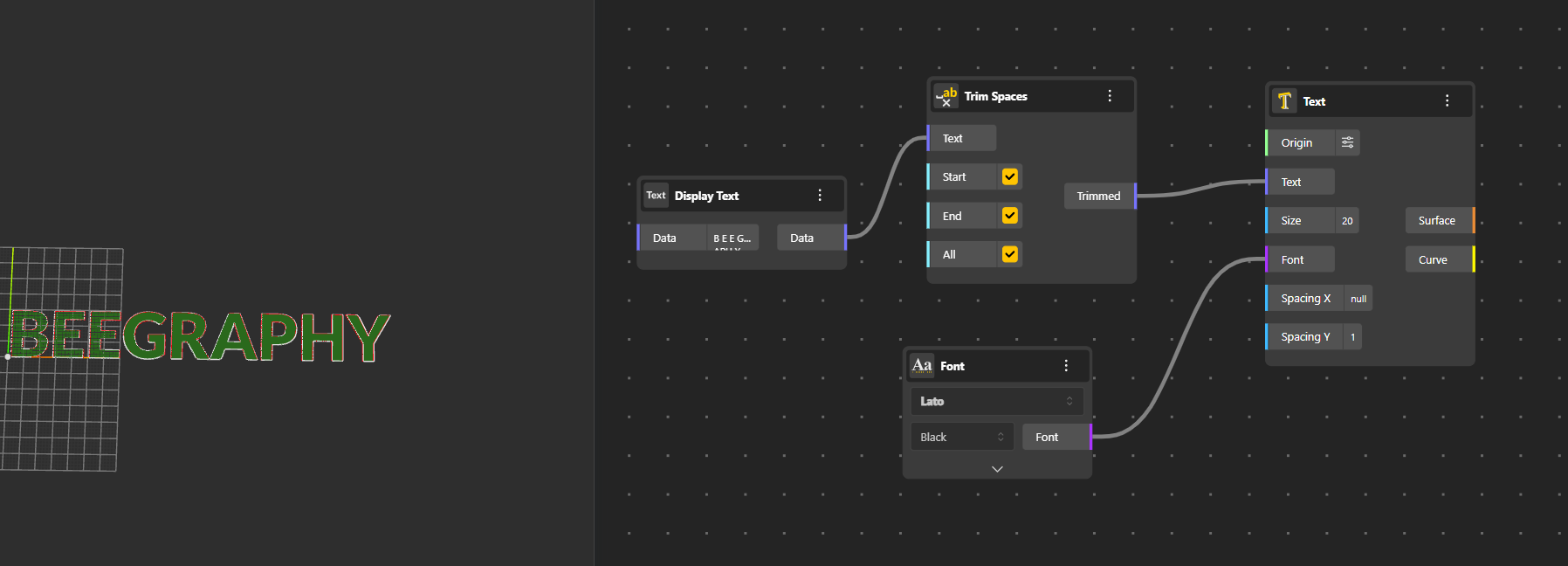
In BeeGraphy, text is more than characters - it becomes real geometry. With Text Nodes, any string you enter can be converted into precise curves or surfaces, making it fully usable in modeling workflows. Whether you’re shaping letters, breaking them into characters, or processing text data, these nodes let you treat text as a true geometric element in your design.
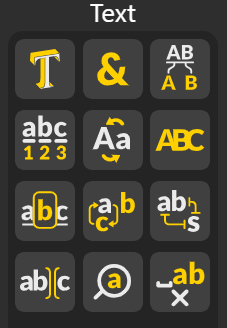
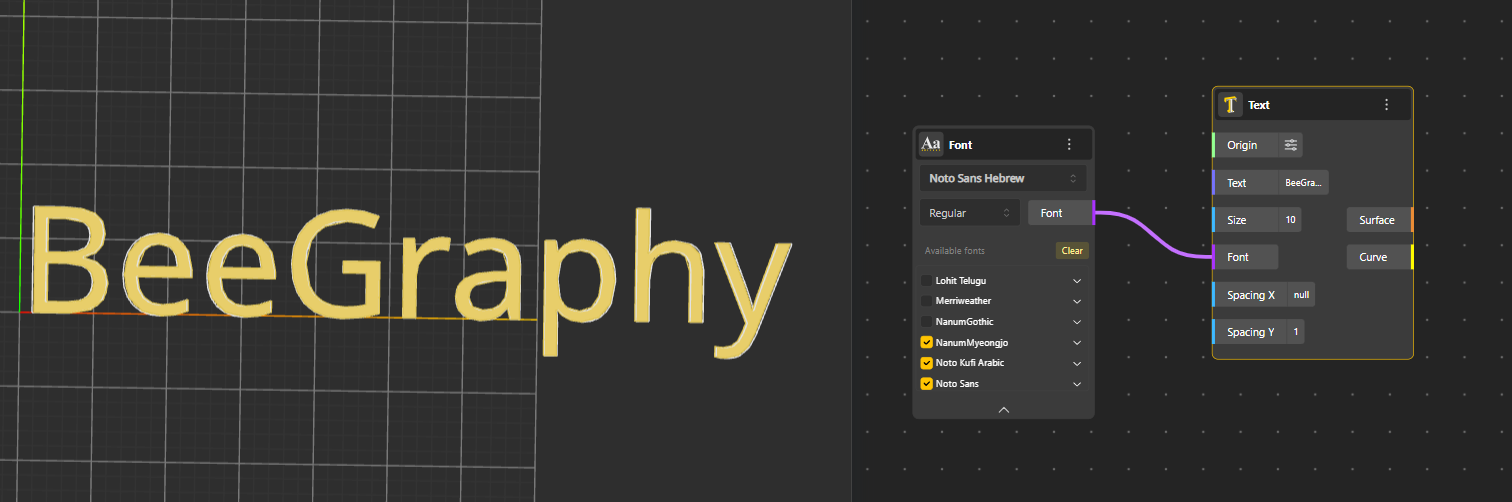
Text: Converts any written text into geometry. You provide a font and the text string, and the node generates the corresponding shapes that can be used, transformed, or extruded in your model.
Concatenate: Merges multiple text inputs into a single continuous text output, allowing you to build combined text geometry from several separate strings.
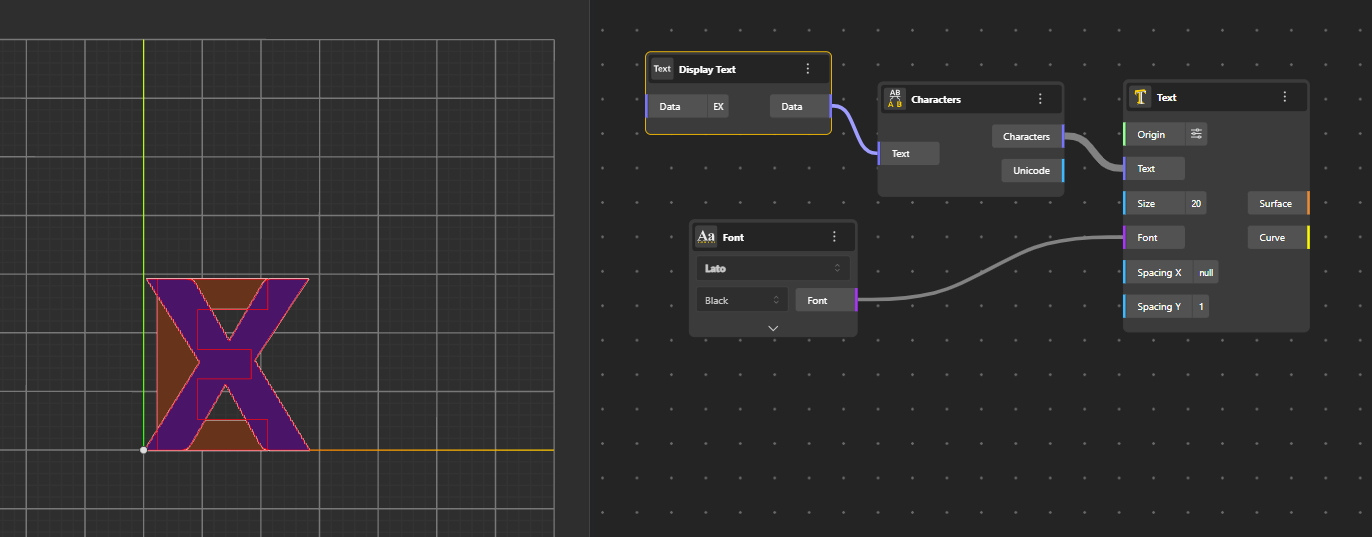
Characters: Breaks a text string into individual characters and generates each one as separate geometry positioned at the same place.
Text Length: Calculates the number of characters in a text string, including spaces. Useful for analysis or conditional operations.
Text Case: Changes the case of a text string: uppercase, lowercase, or title case.
Text Join: Combines multiple text strings using a specified separator. Separator can be a string, number, special character etc.
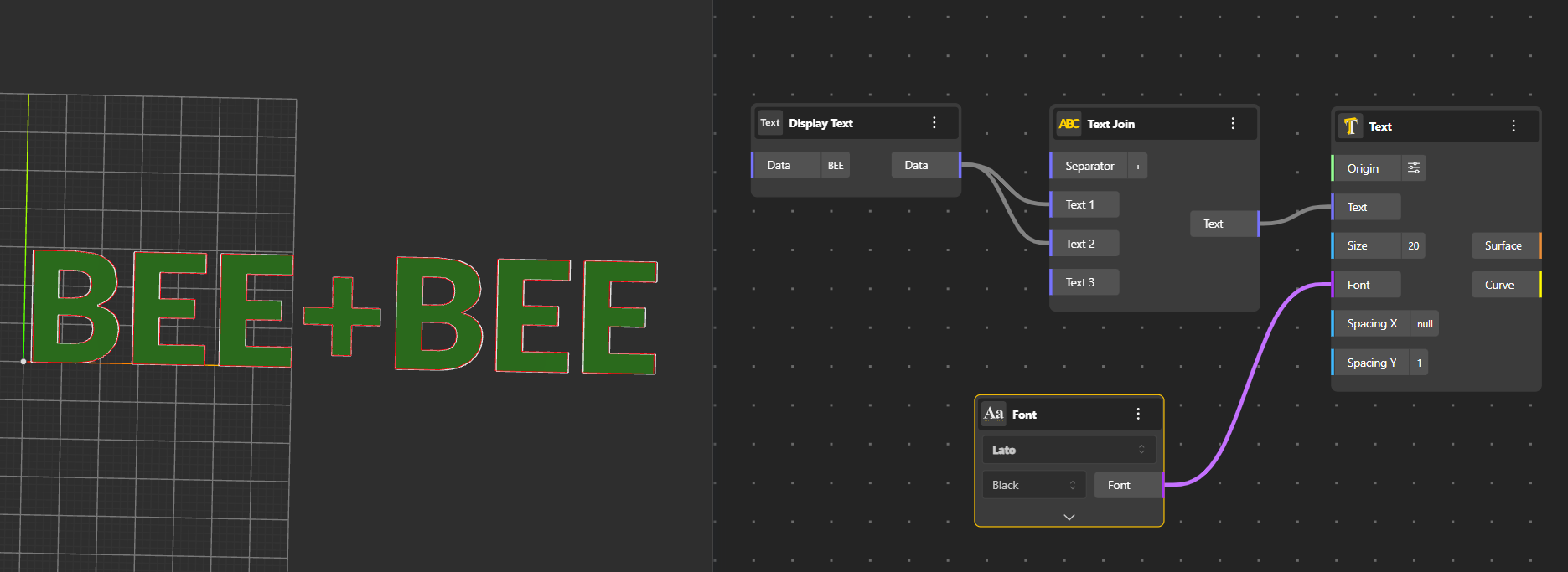
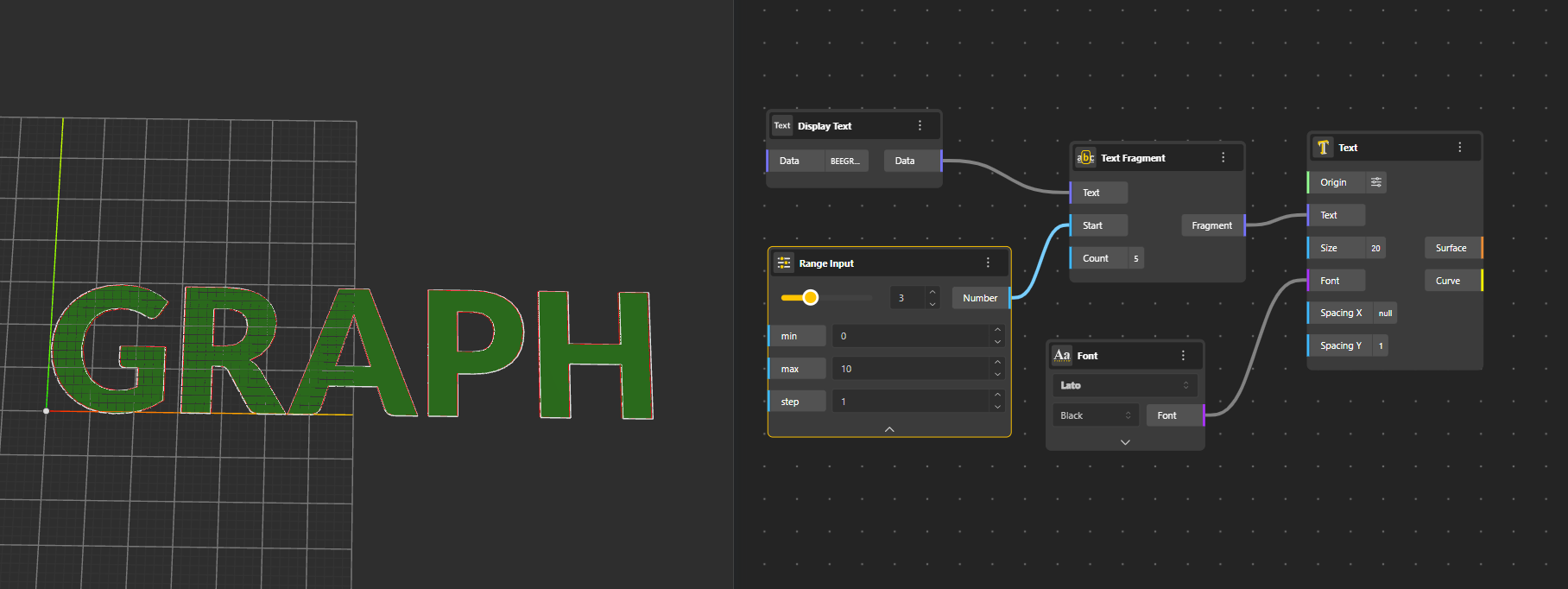
Text Fragment: Extracts a portion of a text based on start and end positions or indices.
Replace Text: Searches for a substring within a text string and replaces it with another string.
Text Distance: Calculates the similarity or “distance” between two text strings. Useful for comparisons or pattern matching.
Text Split: Divides a text string into parts based on a delimiter or pattern. Outputs a list of fragments.
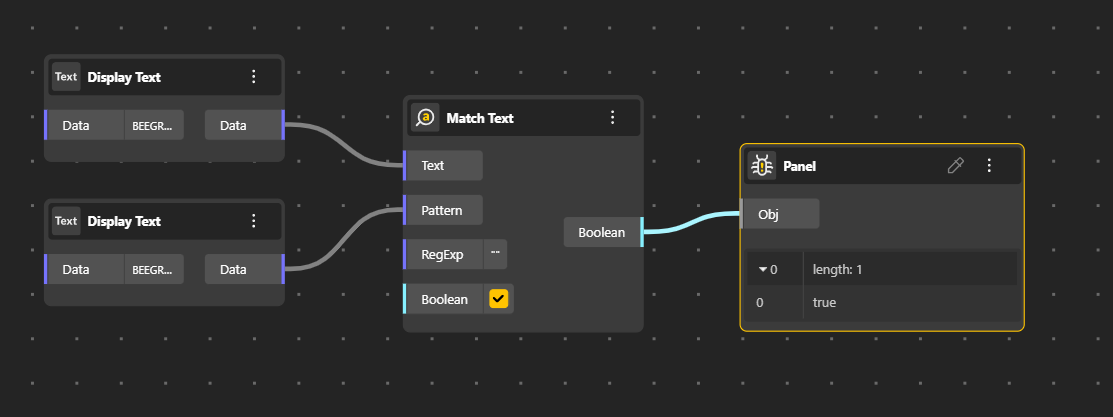
Match Text: Finds occurrences of a specified substring or pattern within a text string. Output is Boolean Datatype.
Trim Spaces: Removes leading and trailing spaces from a text string, leaving the core content clean.
Start: Removes Spaces from the Start of the Text,
End: Removes spaces from the end of the text.
All: Removes all spaces.