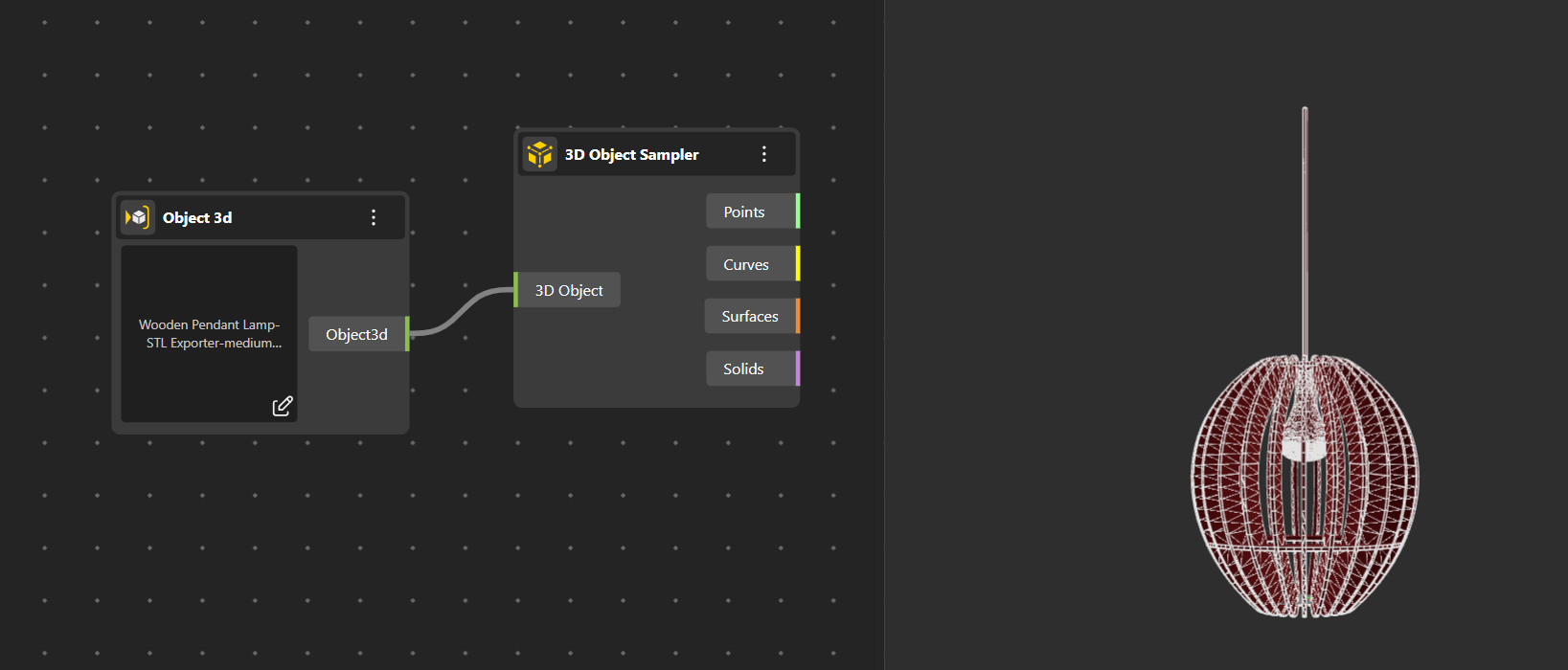
3D Object Sampler
Object 3D nodes allows you to bring external 3D models into your BeeGraphy workspace, making it easy to integrate existing geometry into your parametric designs. The node lets you import, visualize, and transform objects as part of your graph.
Object 3D
Imports external 3D object files as parametric inputs that can be visualized, transformed, and connected to other nodes. This allows existing models to become part of a flexible, editable definition rather than remaining static references.
3D Object Sampler
The 3D Object Sampler analyzes any input geometry and extracts its fundamental components.
After connecting your geometry to the node:
It outputs points detected on the object,
curves that define its edges or boundaries,
surfaces forming its outer shell, and
solids if the geometry contains volumetric data.
This node is useful for breaking down complex 3D models into manageable geometric elements for further processing.
Supported / Compatible 3D Object files for input .STEP, STL, .IGES