
Dynamic Grouping allows you to create multiple geometry outputs using the same set of parameter(s). The Output Viewer displays one or more geometry variations at the same time, each generated from the grouped inputs. This makes it easy to compare different geometric results simultaneously, helping you evaluate design variations without duplicating nodes.
How to Dynamic Group?
Select the parameter(s) you want to include and create a group.
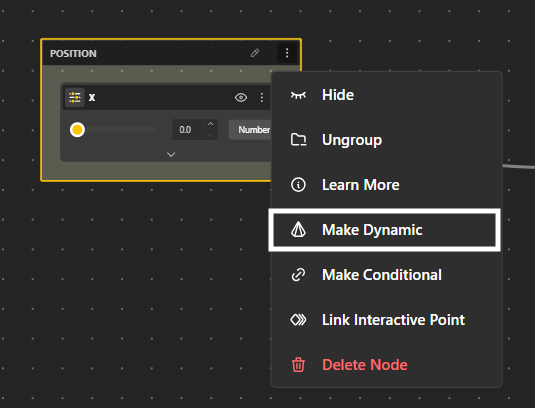
Click the three-dot menu to open the dropdown and choose Make Dynamic.
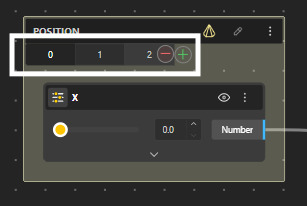
You can control how many geometries are generated by editing the number of geometry instances. Each geometry is indexed numerically as 0, 1, 2, …, allowing you to manage and compare multiple variations within the same dynamic group.
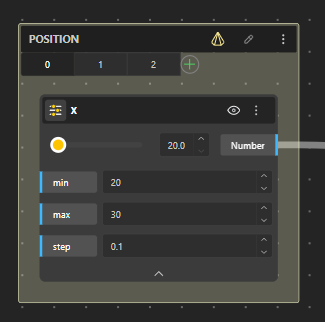
You can also adjust the minimum, maximum, and step values for each dynamic geometry. This gives you finer control over how variations are generated and how parameter values change across different geometry instances.
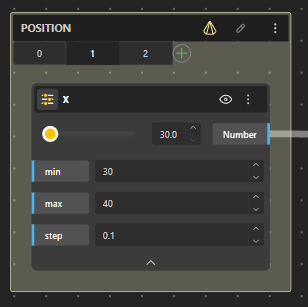
Open the Configurator / Demo to view and compare the generated model variations.
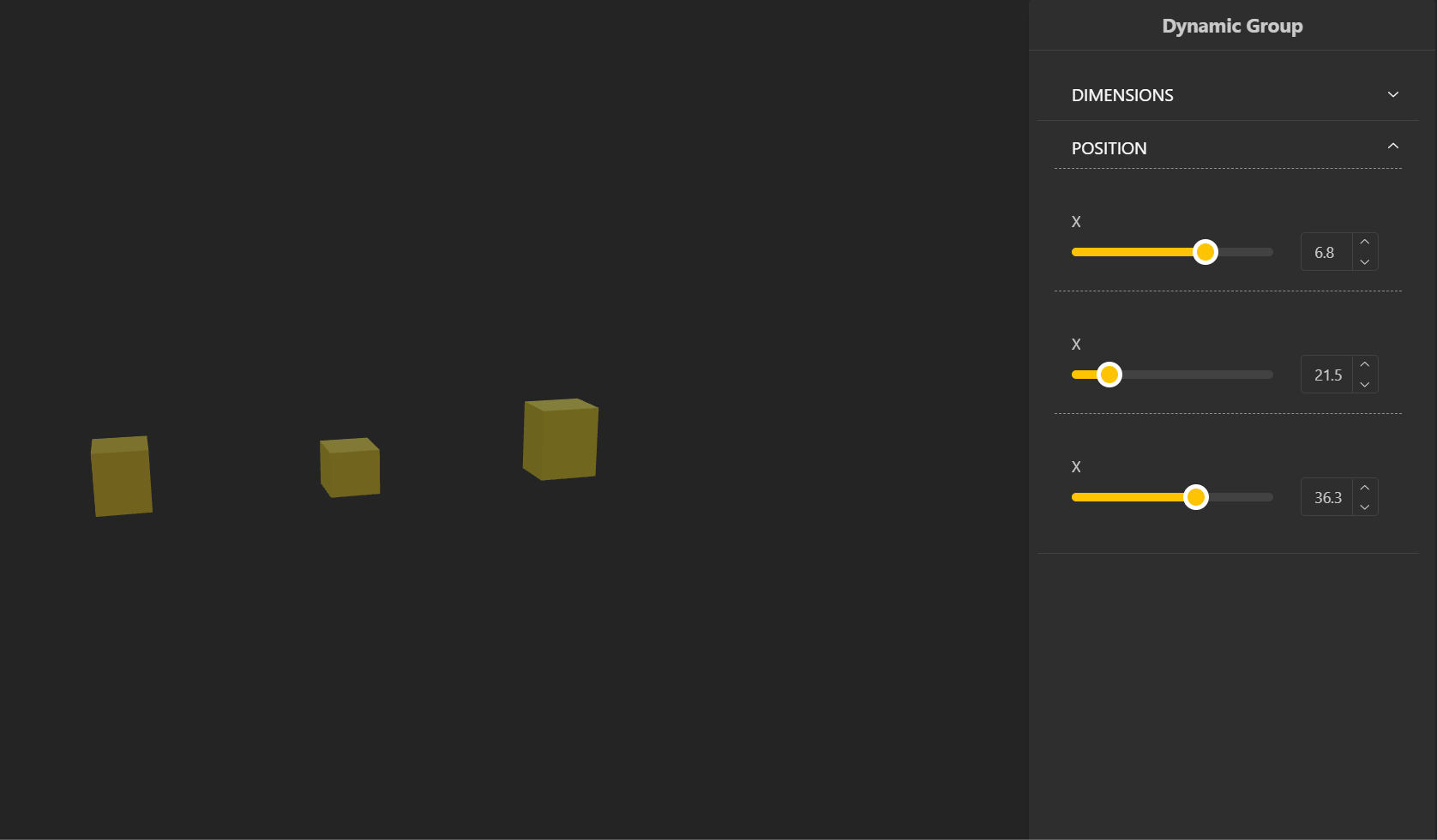
You can try how it works using the script here,
Conditional Group
This article explains how to set up condition-based control in BeeGraphy, allowing multiple geometry options to exist within a single model while selectively activating only one at a time.
To try Dynamic & Conditional Grouping together: Click Here.