
BeeGraphy lets you export your models for manufacturing, sharing, or further editing in other tools. Here’s a simple guide to exporting your design.
To export your model:
Open your workspace and load the design you want to download.
Click on the BeeGraphy icon in the top-left corner to open the main menu.
From here, you can either open Settings or directly select Export.
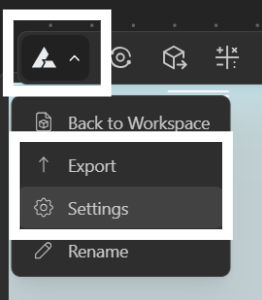
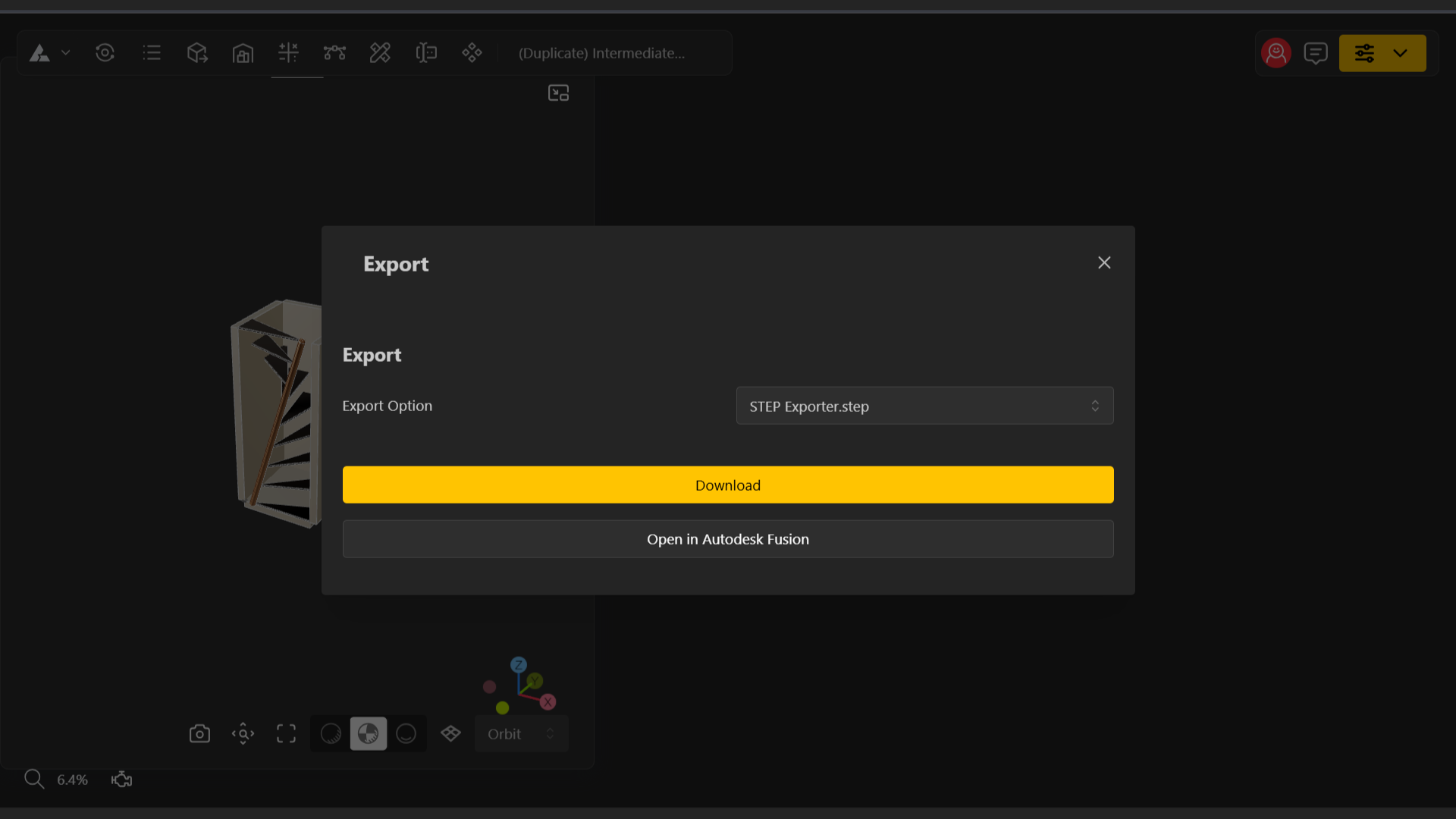
If you Select Export from the main menu:
You can directly click Export to save the file locally to your device.
You will also see an option to Open the file in Autodesk Fusion, allowing you to continue your workflow seamlessly in Fusion if needed.
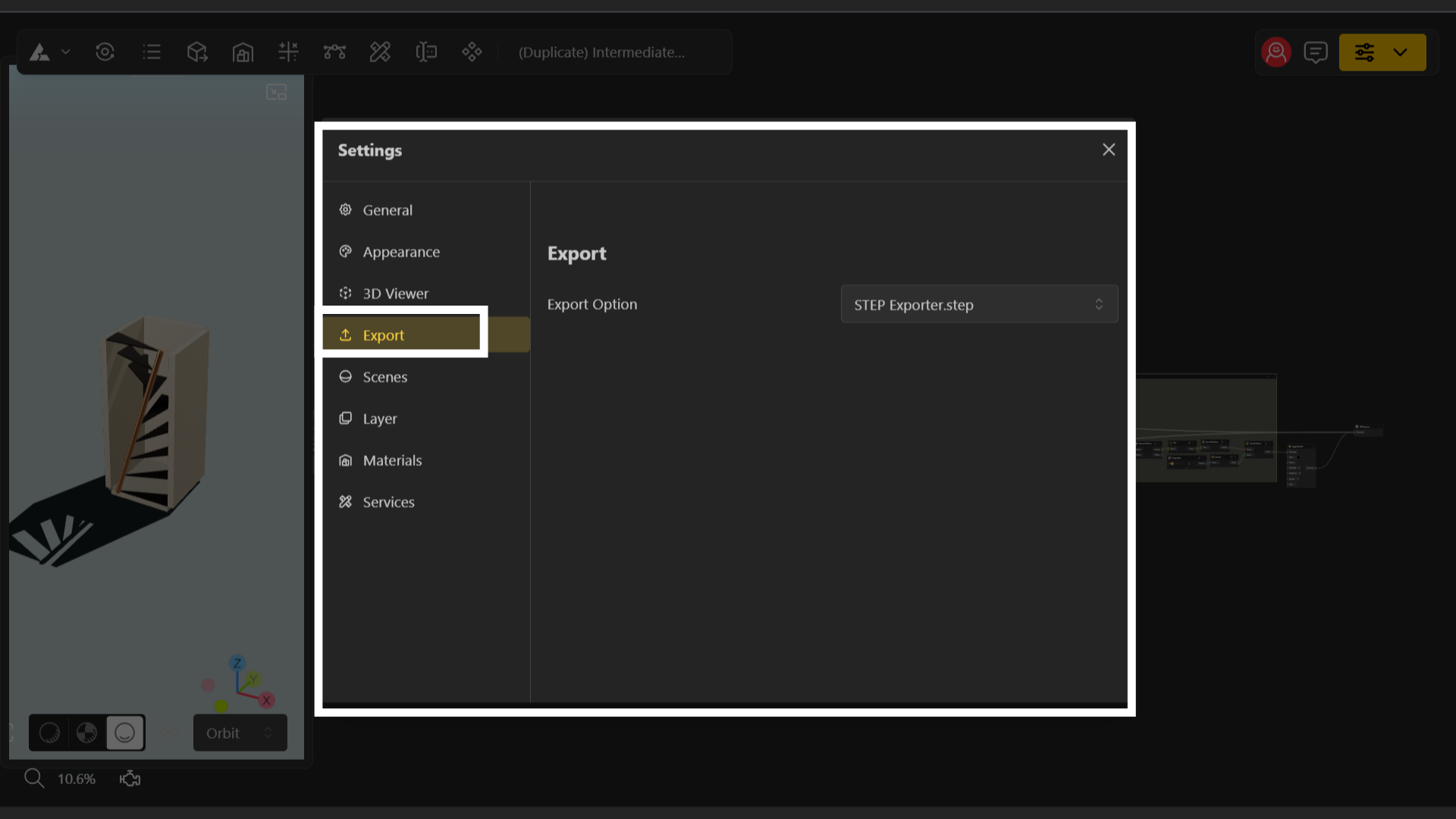
If you select Settings from the main menu:
Navigate to the Export tab inside the Settings panel, and click Export to download your model using the same available export formats.
What is an .step File?
.STEP (Standard for the Exchange of Product Data): A high-precision 3D CAD format used for solid models. It preserves exact geometry, assemblies, product structure, and manufacturing details. Ideal for mechanical engineering, CNC, and industrial design.
Exporter
Export your BeeGraphy designs into multiple standard file formats for 3D printing, CAD workflows, or digital modeling.
BAZON Exporter
Learn how to use the BAZON plugin to transform BeeGraphy models into machine-ready manufacturing packages. This article covers the complete BAZON workflow, including edge banding, operation merging, NC generation, labeling, and exporting CNC-ready files for furniture production.