Yes, you absolutely can publish your own portfolio and become a creator on Beegraphy. Just follow these simple steps:
Log in to your workspace, or visit beegraphy.com/workspace
Select the model you want to publish.
Click on the three-dot menu and choose Publish.
Fill in all required details, including:
Title
Categories
Tags
Description
Preview images
You can also choose what you want to share:
Share Script: Allows others to view the programmed design. If someone edits it, it will automatically create a duplicate in their workspace.
Share Assets: Decide whether to include fonts, vectors, or other elements used in the model.
Once everything looks good, click Publish.
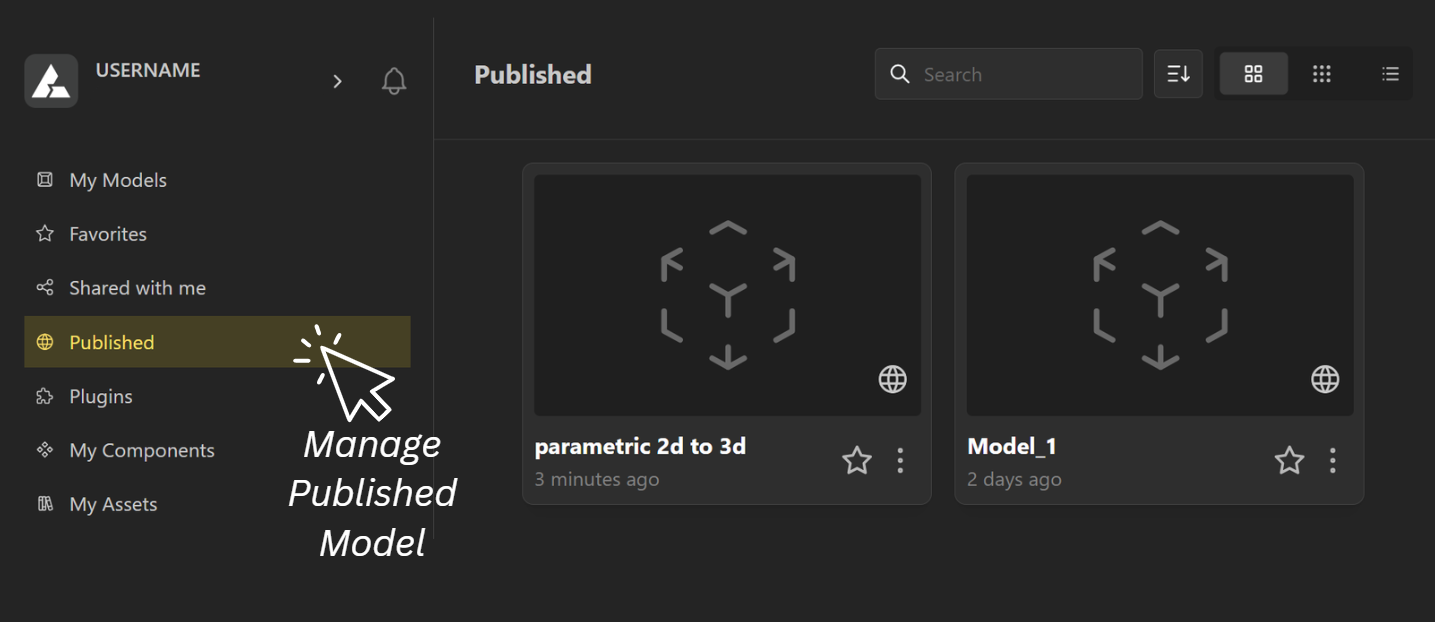
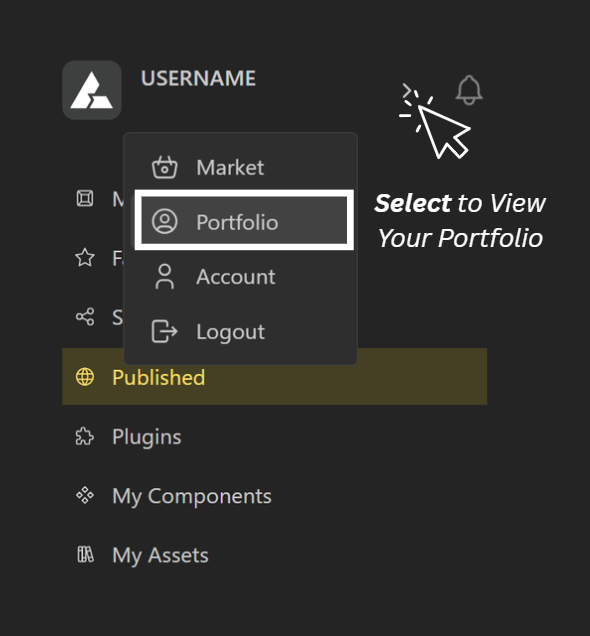
All your published models can be managed under Published Models, and to view your full portfolio, simply go to the Portfolio section from the main menu.