
Getting started with Beegraphy is easy and welcoming — just click the “Get Started with Beegraphy” link below and create your account in a few simple steps.
Getting Started with BeeGraphy
Here is an Easy Step-by-Step Introduction to Your First Online, Cloud-based Platform for Computational Design.
Signing In
To sign in, simply visit beegraphy.com and log in using your credentials.
Checking for Unauthorized Access
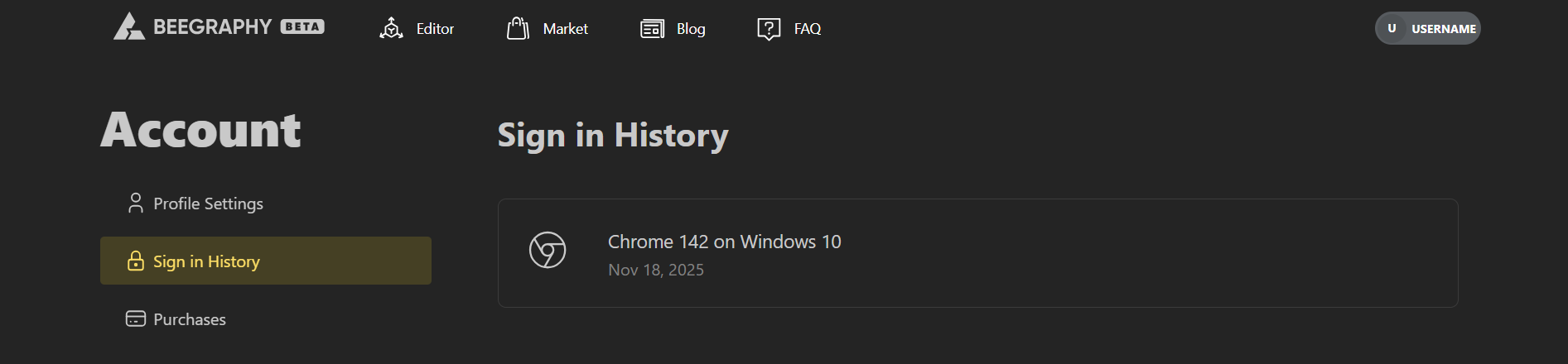
If you ever feel something is off, go to your Account Settings and open Sign-In History or visit beegraphy.com/account/sign-history
Here you can view all your recent active sessions and their locations.
Keeping Your Account Secure
To prevent unauthorized access, you can easily change your password anytime from your Profile Settings or visit beegraphy.com/account.