company logo

Help center

Go to BEEGRAPHY
All collectionsBusinessGuide to Business Dashboard

Guide to Business Dashboard

Understand Working with Business Dashboad in BeeGraphy

Welcome to the BeeGraphy Business Dashboard!

We understand how important it is to empower creators and help them become successful sellers. That’s why we designed the Business Dashboard: a clear, user-friendly space that guides you through setting up your store and connecting with your customers with ease.

The Business Dashboard lets you build and manage product catalogues, offer services, and maintain a material inventory so you can provide a wide range of manufacturing options for your products. It’s designed as an all-in-one environment to help creators showcase, customize, and sell their work efficiently.
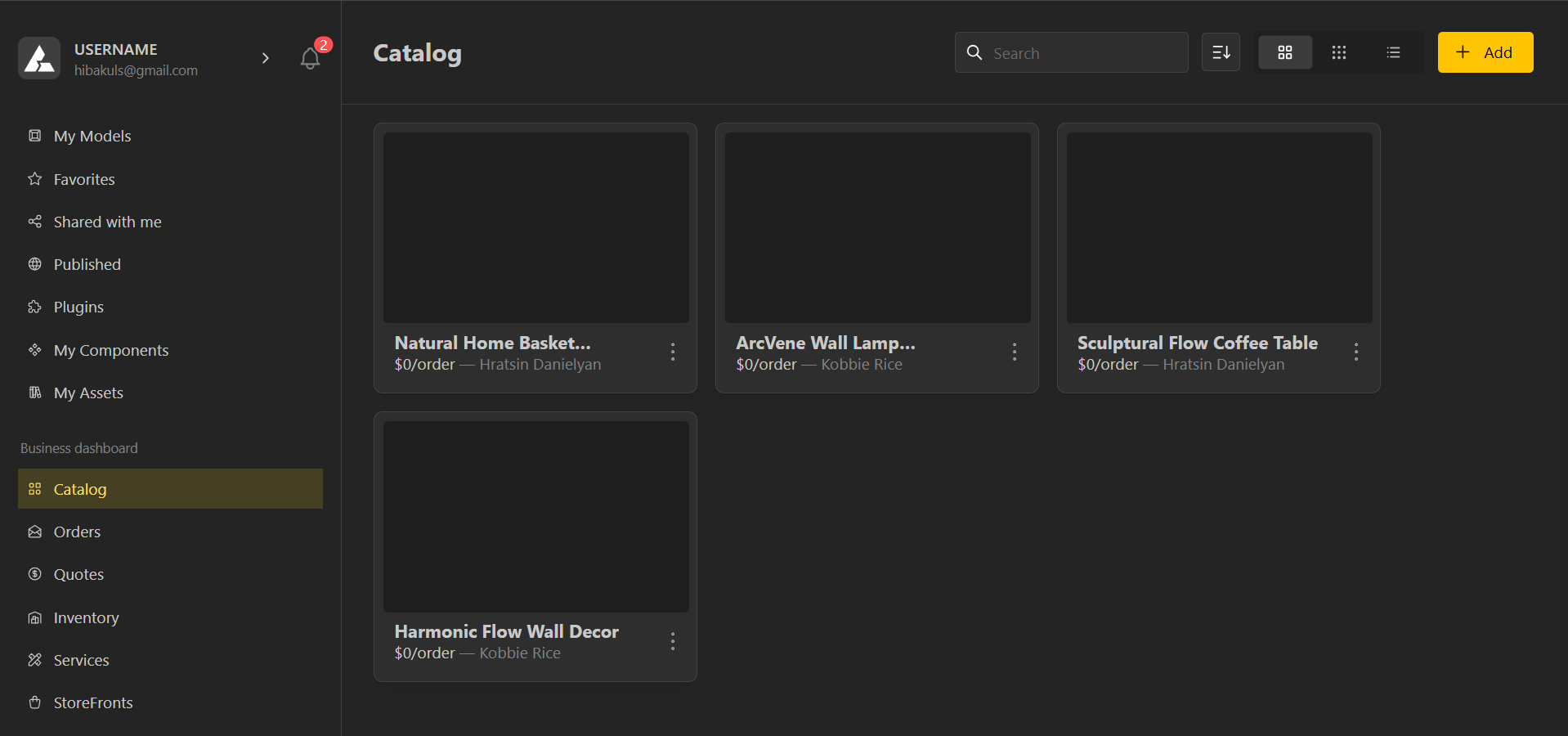
What the Business Tab Includes

The Business tab is made up of all the essential tools you need to manage your products and sales:

  • Catalogue – Add, manage, and organize your sellable models, it’s the space for cataloging all your products before they go live for customers.

  • Orders – View and track customer orders in real time.

  • Quotes – Manage customer quotation requests. You can create Quotes.

  • Inventory – Keep track of stock, availability, and production status.

  • Services –

  • Storefronts –

How do I turn a BeeGraphy model into a sellable configurator product in Catalog?

How do I turn a BeeGraphy model into a sellable configurator product in Catalog?

What is a Quotation? How do Quotations work?

How do Quotes → Orders work, and what happens after a customer checks out?

How do I handle pricing, variants, and inventory for configurable products?

How do I handle pricing, variants, and inventory for configurable products?

How do I set up a configurator-as-a-service company with BeeGraphy?

How do I use BeeGraphy technology to sell my own configurators?

How do I add services and track fulfillment & analytics?

How do I add services (installation/custom work) and track fulfillment & analytics?

How do I publish to a StoreFront and embed the configurator on my website?

How do I publish to a StoreFront and embed the configurator on my website?

Did this answer your question?
😞
😐
😁